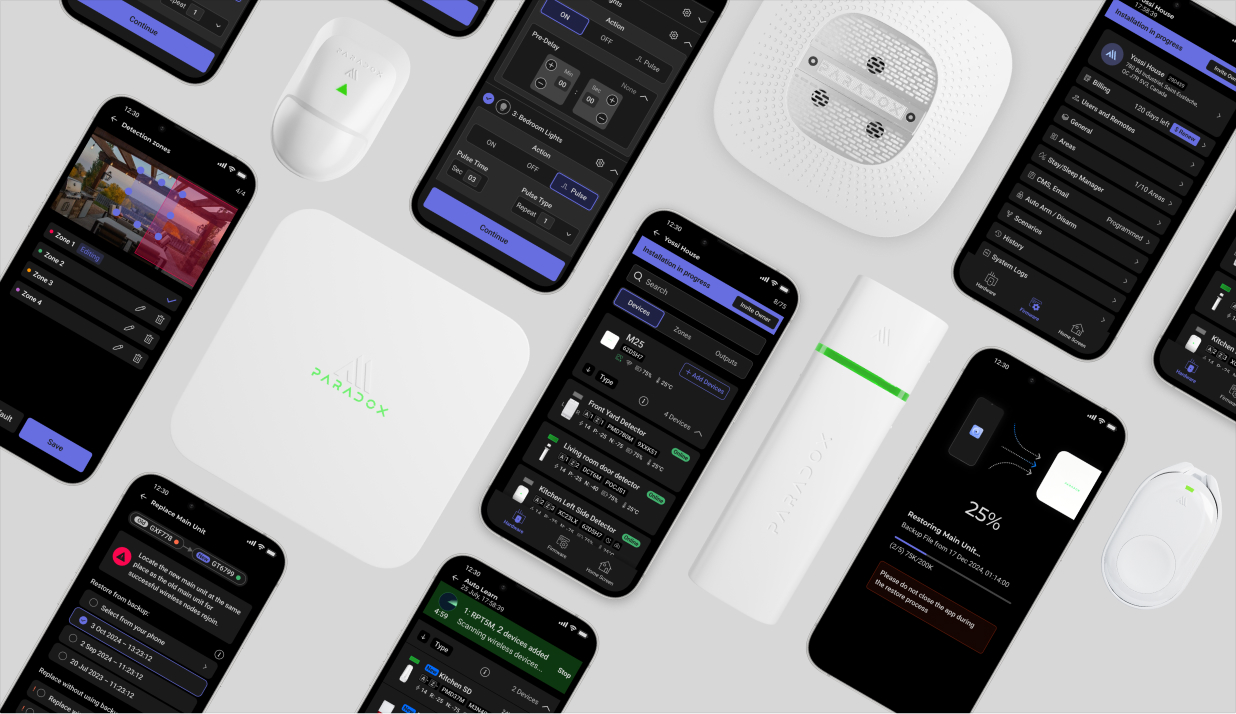
Powerful hardware, an aging workflow.
Paradox installers relied on a capable but aging ecosystem: wired hardware, dense desktop software, slow connectivity, and an installation process that demanded significant expertise.
That complexity had value in advanced installations, but it also made everyday setup slower and harder.
Powerful, but built for another era.
Capable hardware, aging workflow. Every install depended on a desktop and deep expertise.
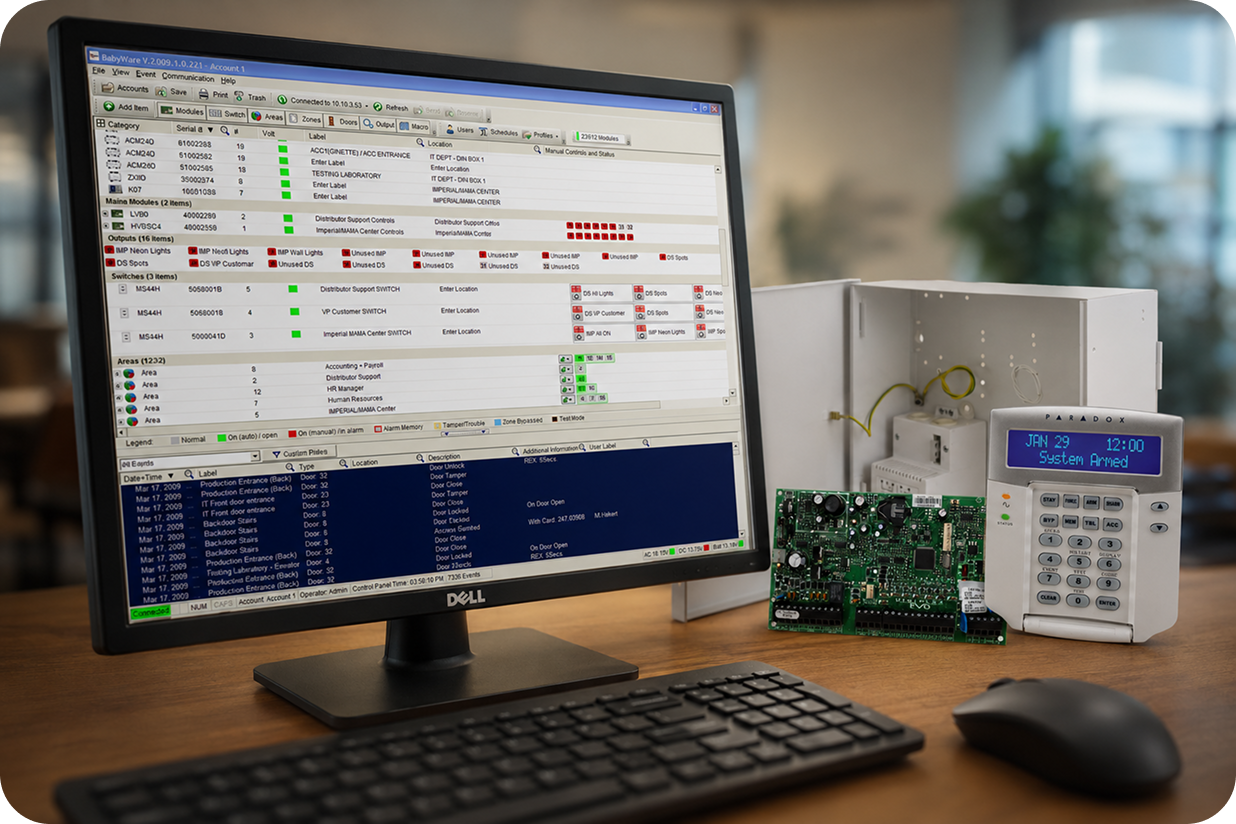
A powerful system with growing friction.
Five frictions held installers back: complex installs, connectivity doubt, a market moving wireless, legacy bloat, and a steep learning curve.
A powerful system with growing friction.
The existing ecosystem offered installers extensive control, but its complexity created several barriers to faster installation and future growth:
Complex Installation
Wired devices, multiple configuration steps, and a dependency on desktop software made installations longer and more demanding.
Eroding Installer Confidence
Connectivity dropped mid-install, leaving installers unsure whether a change had actually saved. Reconnecting and re-checking every step cost time and chipped away at their trust in the system.
A Market Moving to Wireless
Installers and distributors were asking for a modern wireless solution that could be deployed and programmed faster, without giving up professional control.
Legacy Complexity
Years of accumulated settings and capabilities made it difficult to distinguish between what installers truly needed and what had simply become part of the existing system.
Steep Learning Curve
The system's depth was valuable for advanced projects, but its dense structure required significant technical knowledge and experience.
Build a faster, more reliable wireless system installers could trust.
Build a faster, more reliable wireless system installers could trust.
The challenge went beyond making installation faster or moving programming from desktop to mobile.
We needed to create a reliable wireless experience that restored installer confidence. Every connection, action, and status had to be unambiguous, so installers could see the system responding and confirm their changes had actually saved.
All of this had to be achieved without losing the professional control and advanced capabilities that made the original system powerful.
Not everything needed to come with us.
We mapped every legacy flow with installers and sorted the system into three buckets:
Not everything needed to come with us.
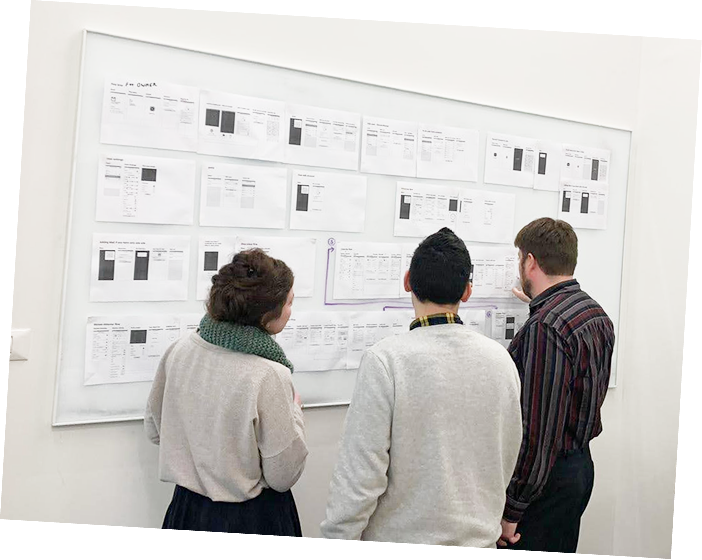
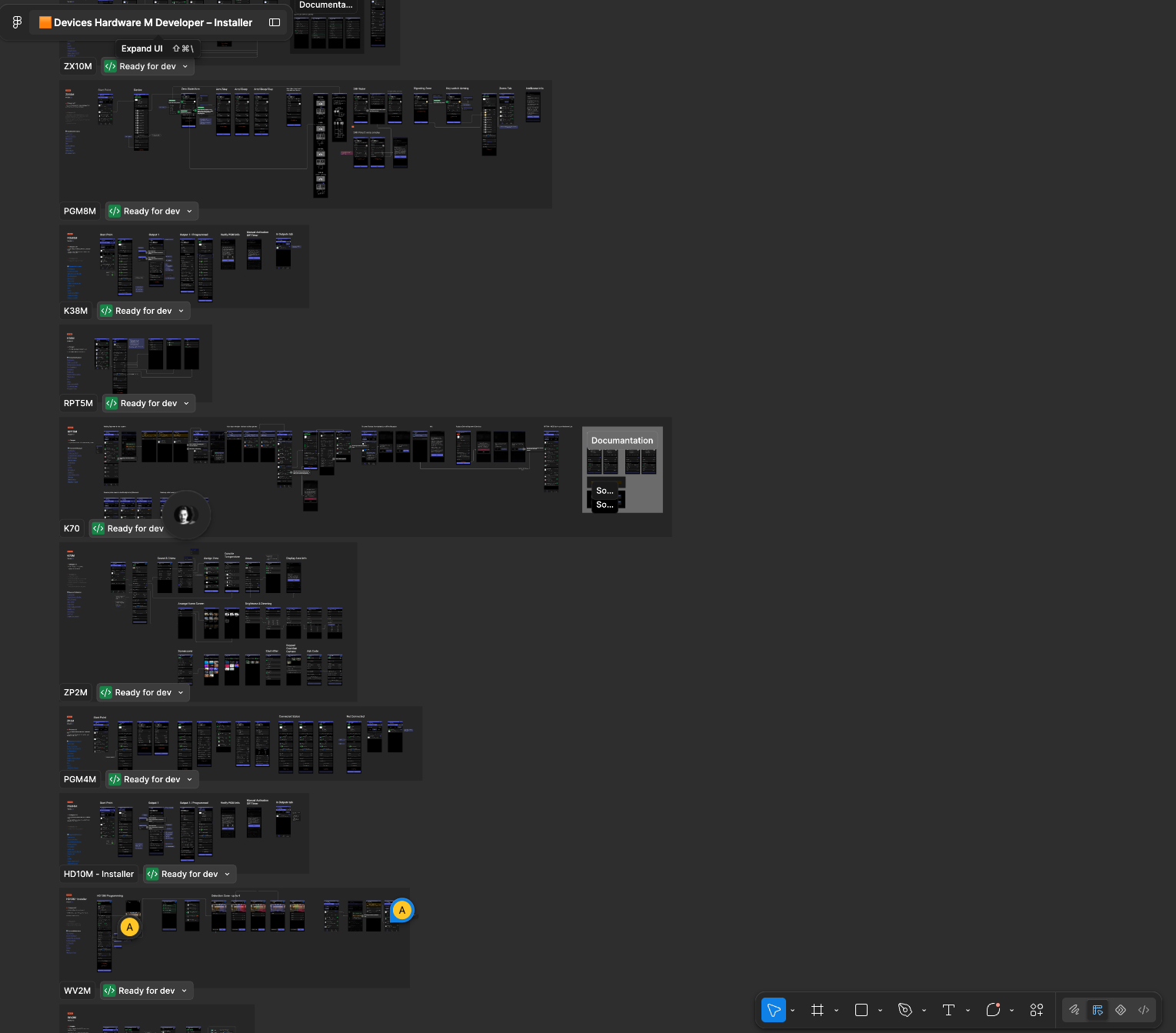
I led the design team through a full breakdown of the existing system and its installation flows.
Together with the product manager and company owners, we mapped the journey from account creation and site setup to device enrollment and programming. Feedback from existing installers helped us distinguish between essential professional controls and complexity inherited from the legacy system.
Every part of the experience was evaluated through three questions:
What is essential for professional installation?
What can be made faster and clearer on mobile?
What no longer serves the installer in the field?
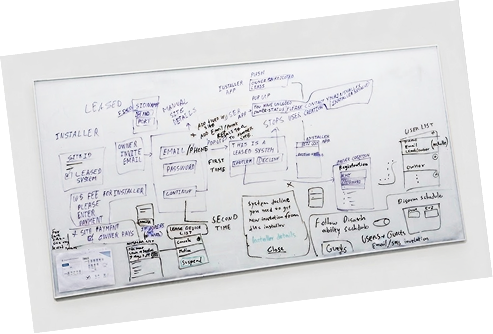
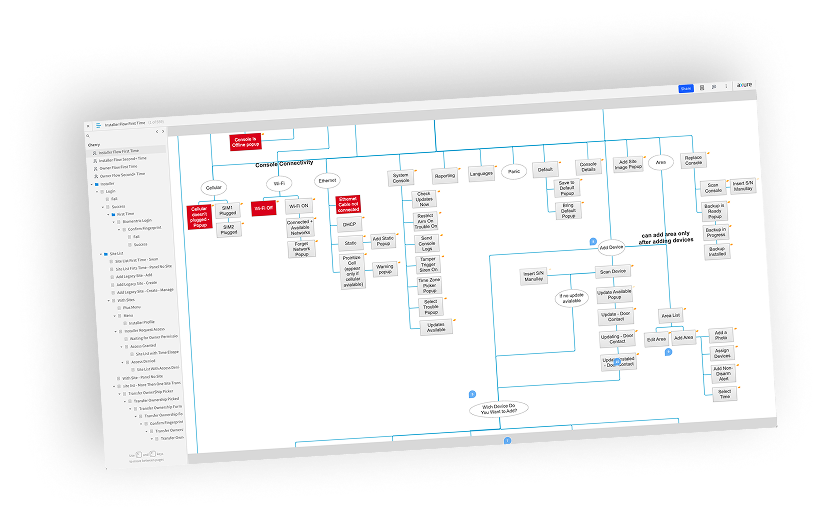
Turning a technical system into a mobile workflow.
The legacy installation logic, rebuilt as a mobile-first workflow and validated on real hardware in the field.
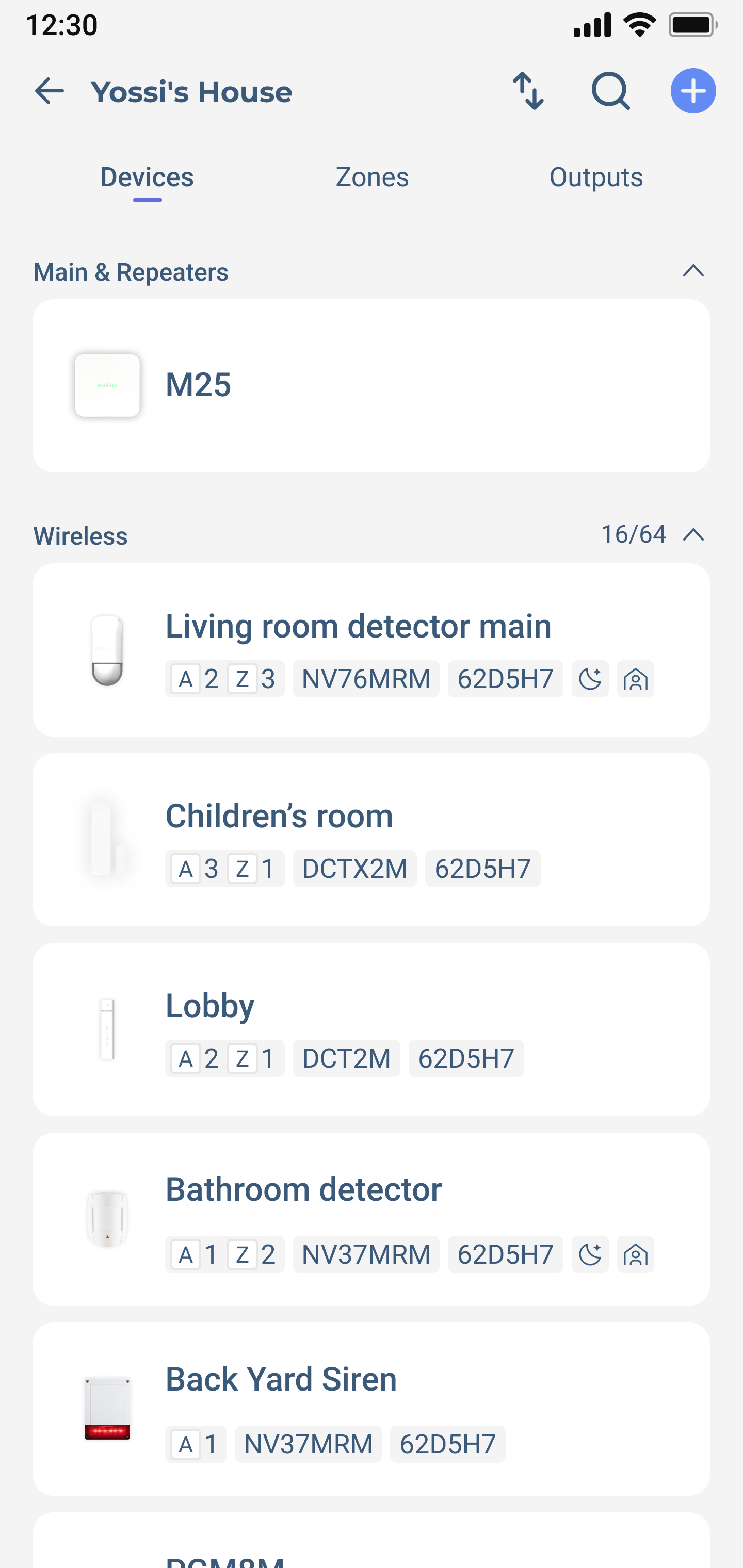
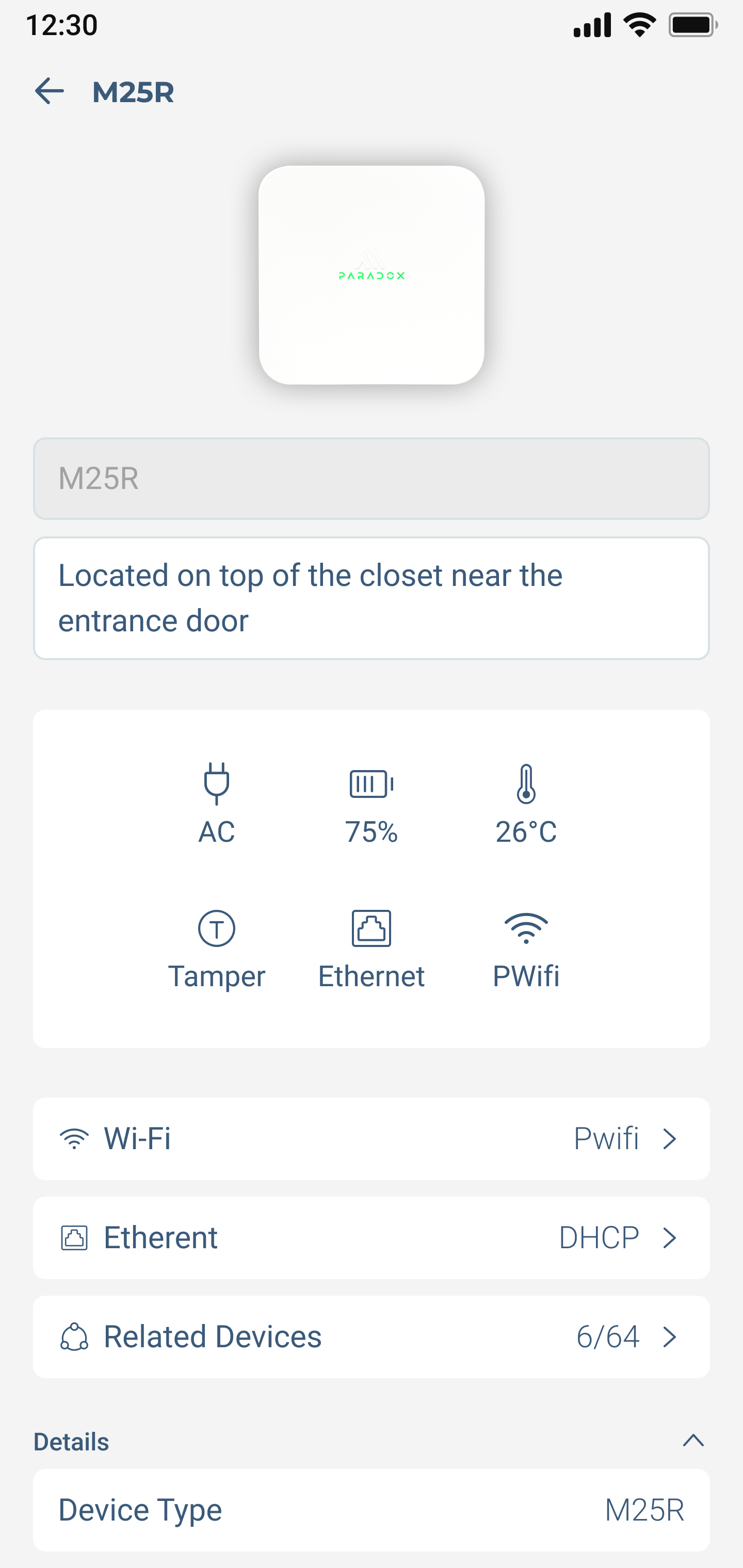
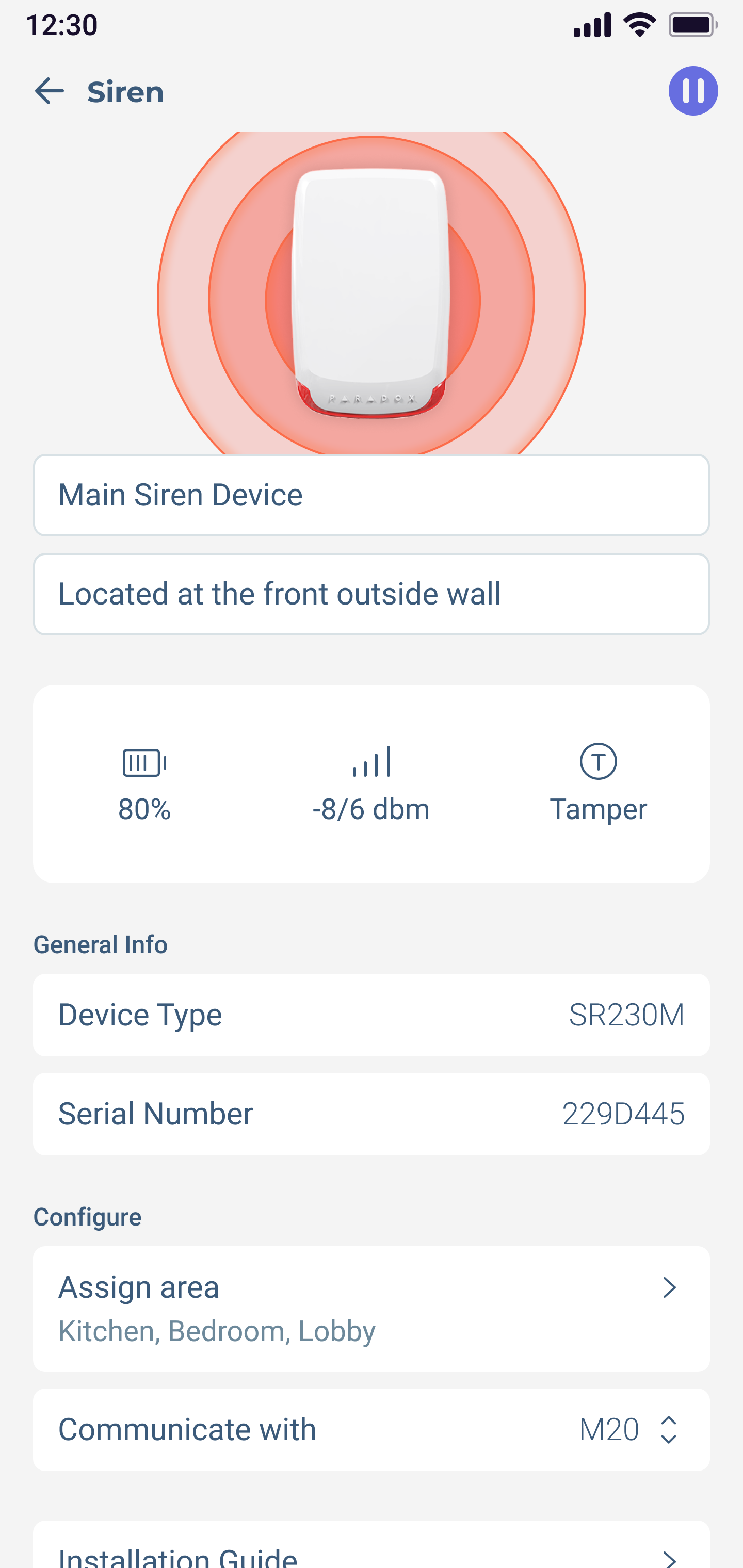
Turning a technical system into a mobile workflow.
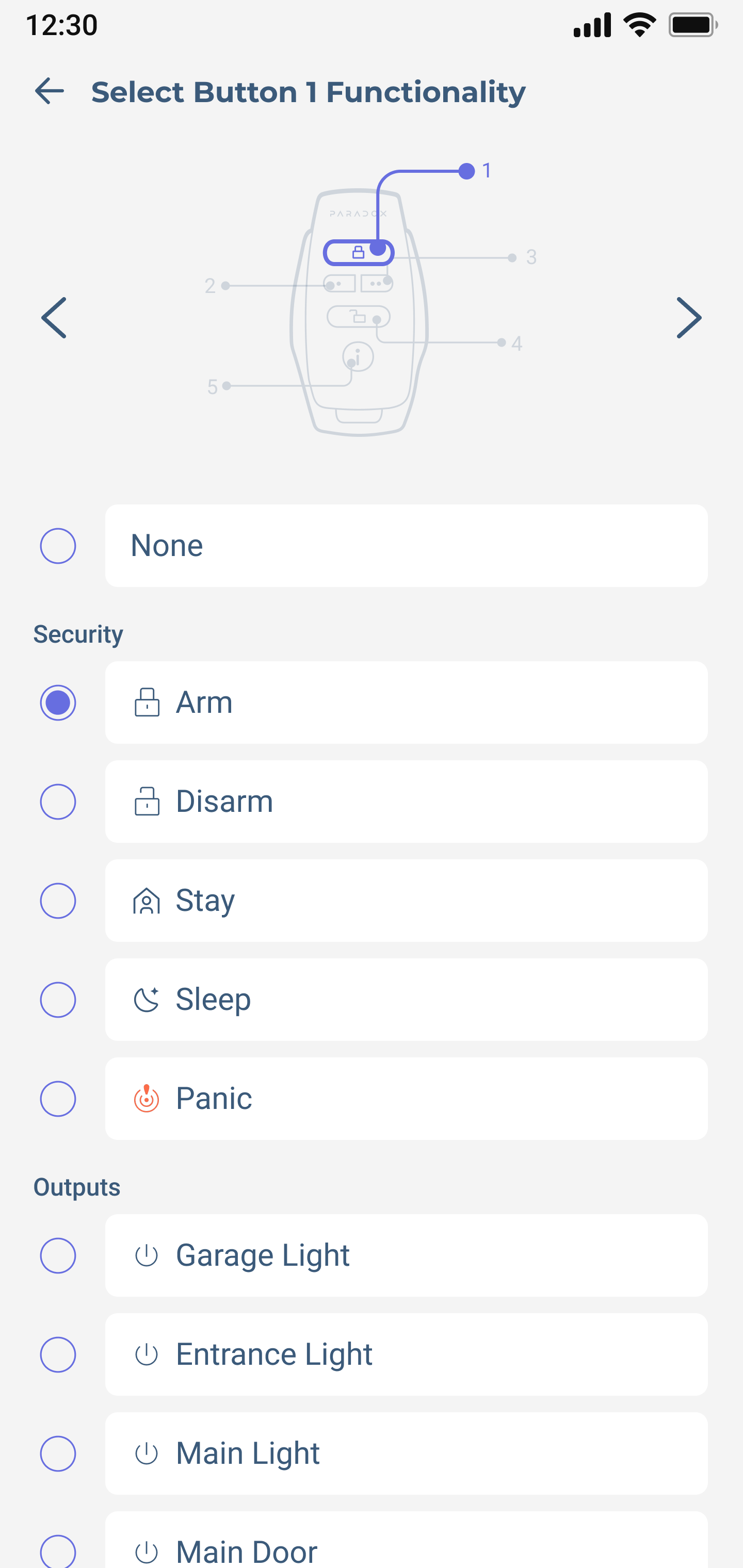
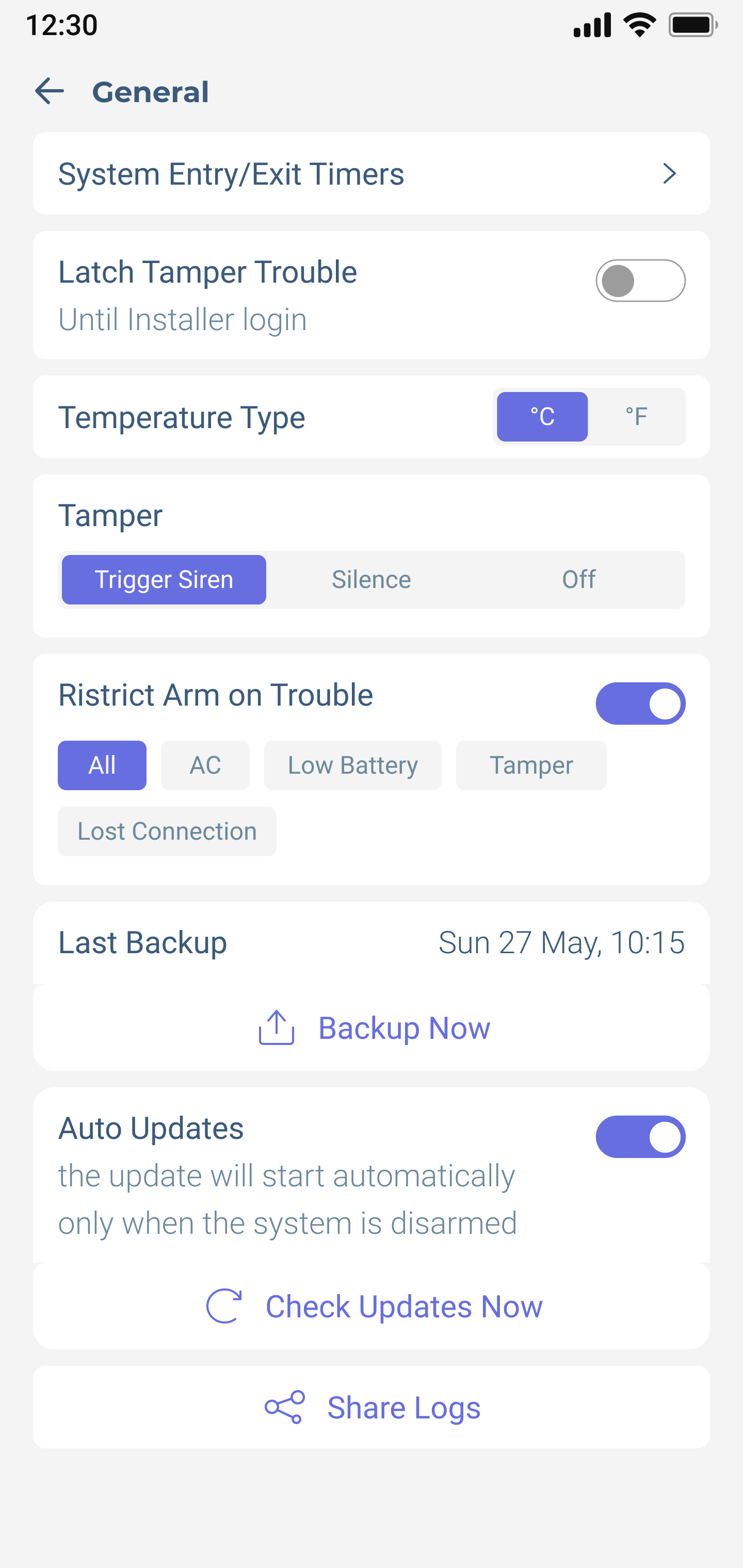
The first iteration translated the legacy installation logic into a mobile-first workflow. We focused on the core tasks installers perform in the field: checking device status, configuring devices, assigning actions, and managing system settings.
It was an early attempt to balance professional control with a clearer, faster structure that could rebuild confidence during installation.
Validating the flow on real hardware
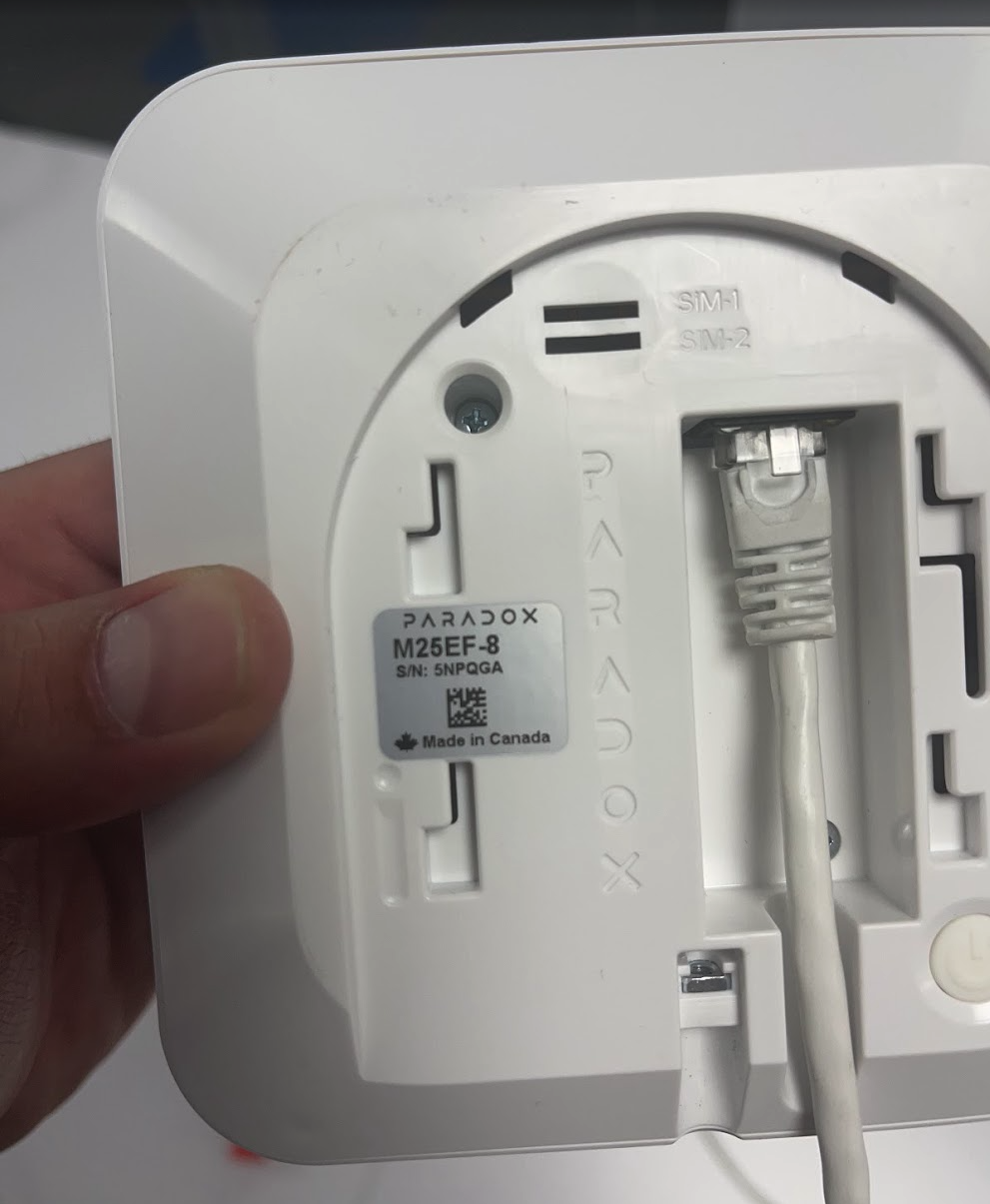
Screens only tell half the story. I took the prototype on-site and ran the installation flow against the physical devices, watching how installers move between the app and the hardware, where they hesitate, and whether each system state actually matched what was happening in front of them.
Expanding the flows around real installer needs.
This round made system state explicit. It taught the hardware and the app to speak the same visual language.
Expanding the flows around real installer needs.
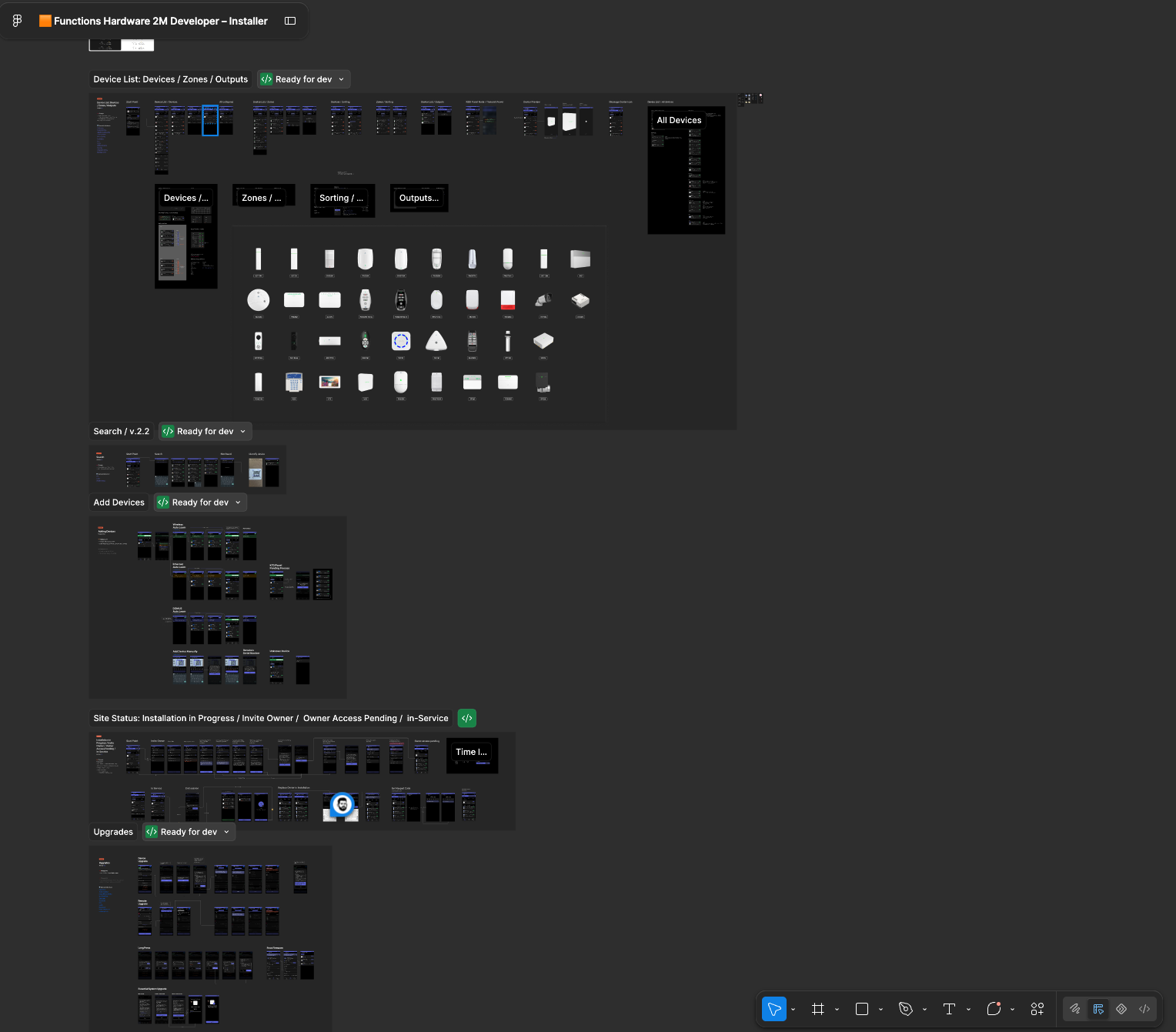
After the first iteration, we expanded the core flows and made the installation state much more explicit.
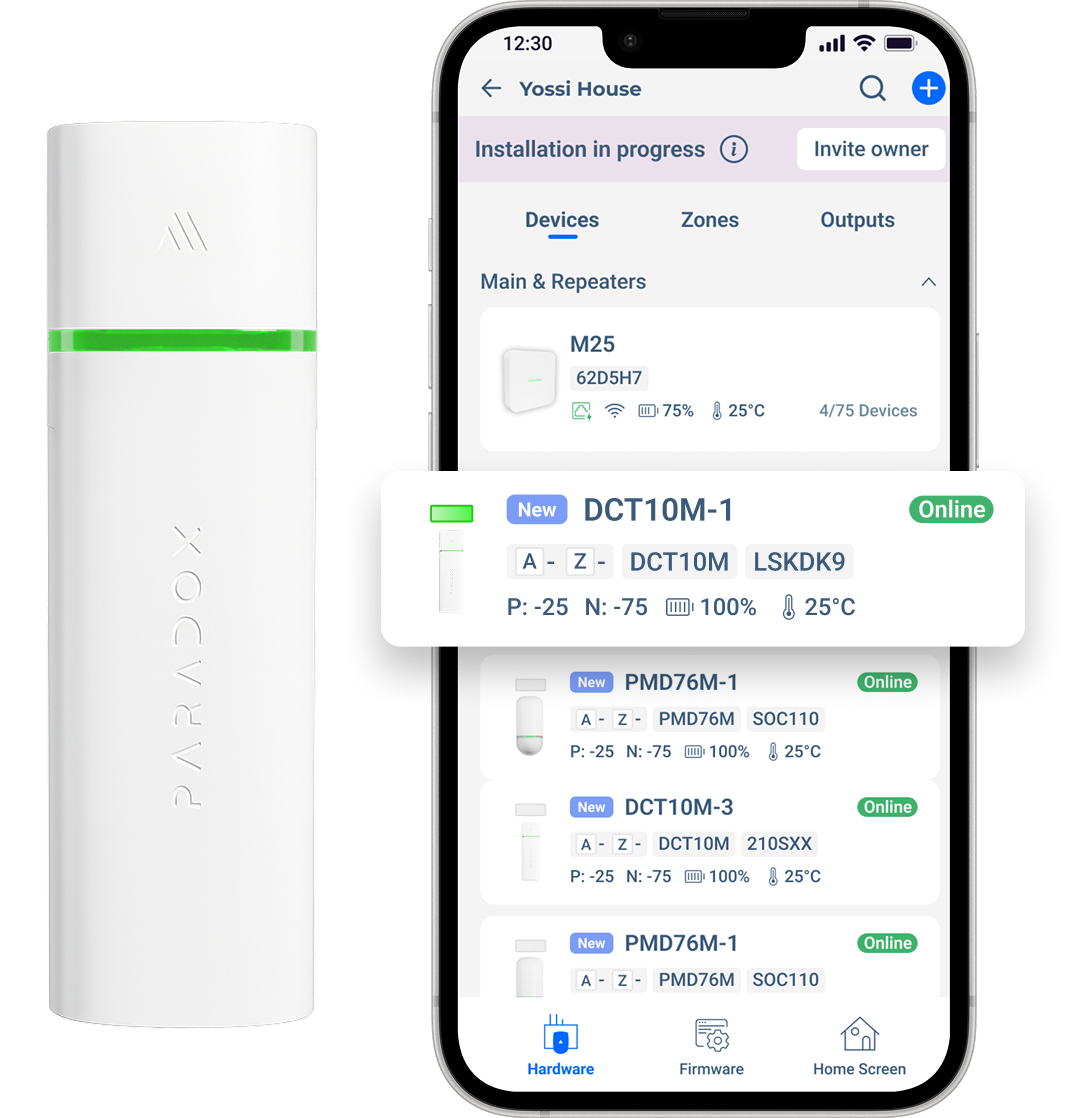
Installers needed to understand what was happening at any moment: which site was still in progress, which devices were online, what required attention, and how quickly they could add or configure new devices without losing context.
This iteration made the live state of an install legible: what was done, what was pending, and what still needed attention.
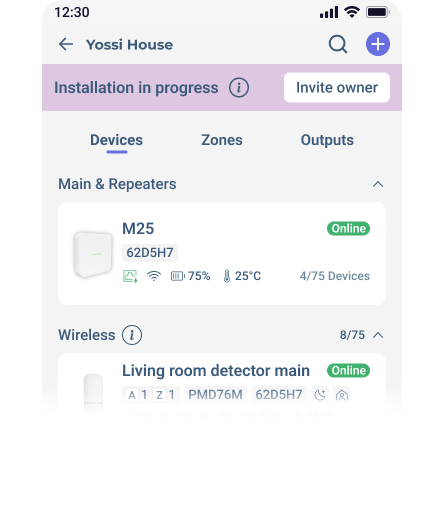
Clearer Device Status
We made device status more visible across the experience, so installers could quickly understand connection, battery, signal strength, tamper, and configuration state without opening every device.
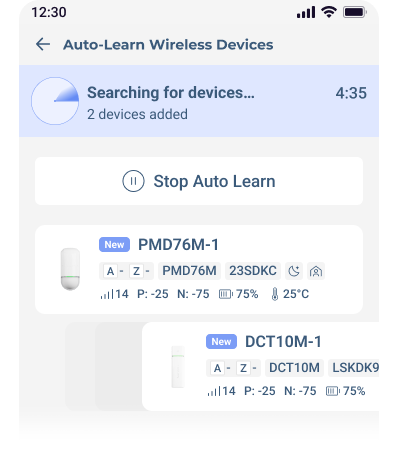
Faster Device Enrollment
We simplified the flow for adding new devices, using scan-based enrollment and immediate feedback, so adding a device took seconds and its result was obvious.




Stronger Installation Progress
“Installation in Progress” became a much more prominent system state, helping installers immediately understand that the site was still being configured and what remained before completion.
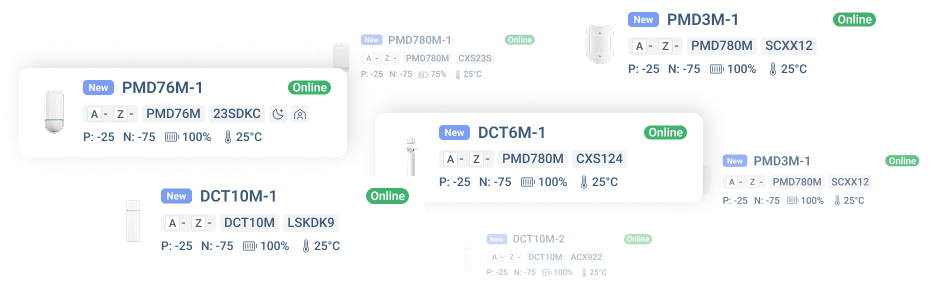
With many new products added through a fast enrollment flow, how can installers confidently identify, assign, and configure the correct physical device standing right in front of them?

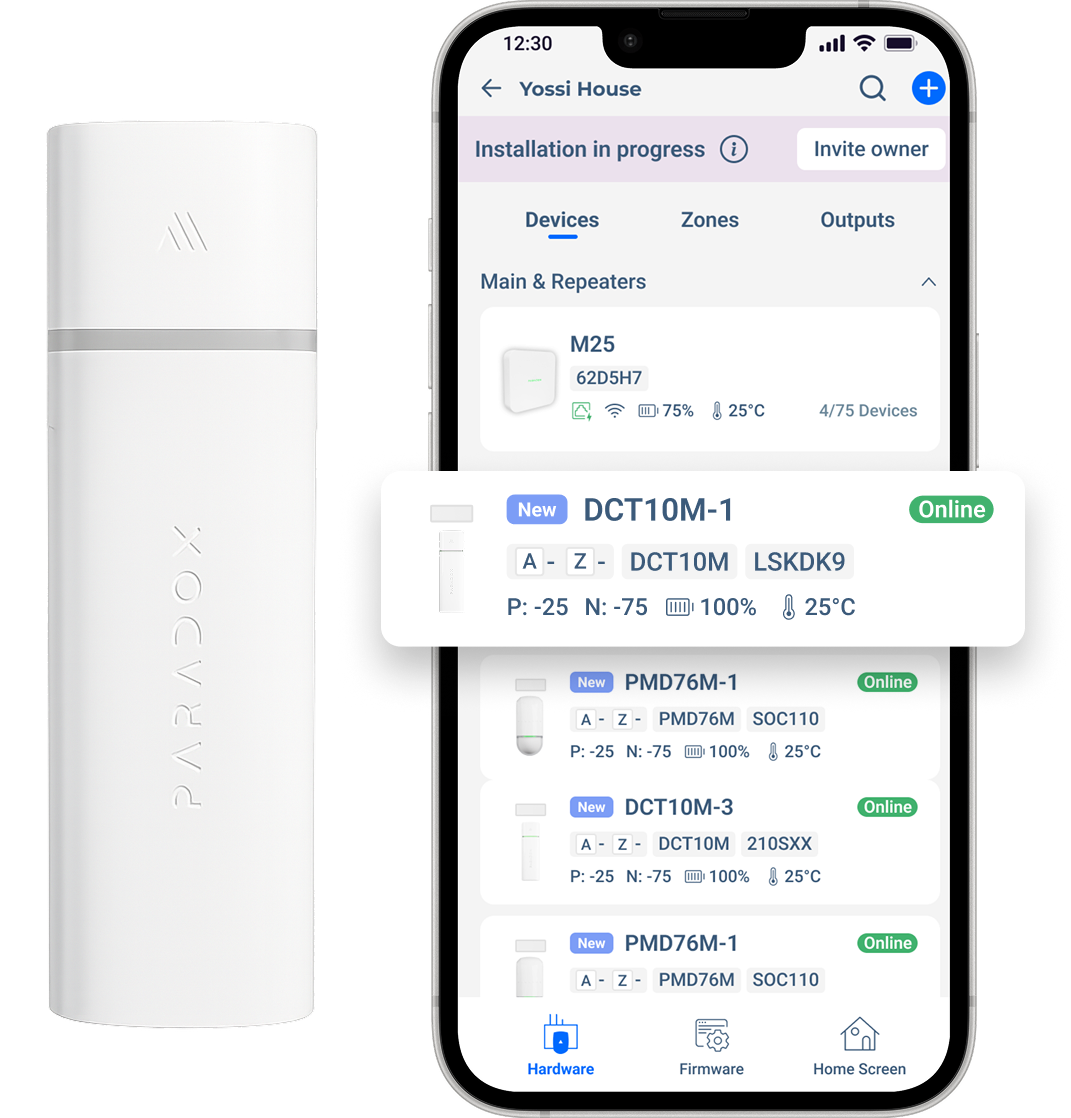
By mirroring the physical LED directly inside the interface, installers no longer needed to translate hardware behavior into software states. The device and the app now spoke the same visual language, making identification immediate and reducing installation mistakes.
A faster setup experience installers could trust.
A desktop-grade installation completed from a phone: faster setup and clearer status.
A faster setup experience installers could trust.
The final experience transformed a complex desktop-based installation process into a clear mobile workflow for wireless systems.
Installers could create a site, enroll devices, identify products, configure settings, and understand every system status directly from the field.
Installer setup time cut by over 50%
Installers completed the entire wireless setup directly from the app, eliminating desktop dependencies. Measured across live deployments, the redesigned flow cut typical installation time by more than half.
Greater confidence with fewer support requests
Clear connection, battery, signal, tamper, and configuration states helped installers understand exactly what required attention before escalating issues.
Faster enrollment for multiple wireless devices
Scan-based enrollment and immediate visual feedback made adding multiple devices faster, simpler, and more predictable.
Positive field validation from installers and distributors
In field testing, installers moved through setup with noticeably less back-and-forth, especially when identifying devices, checking system status, and confirming a change had saved.
Launching the M System worldwide.
Validated with seven international distributors across real installation environments before public release.
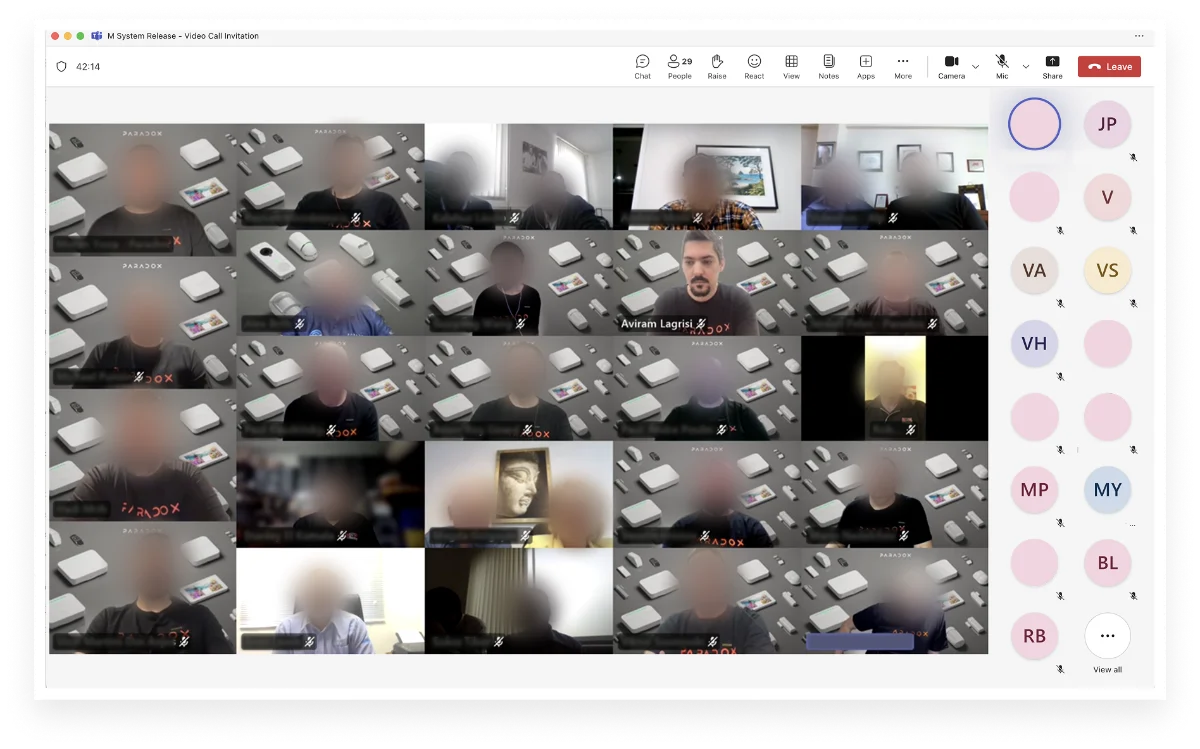
Launching the M System Worldwide
Leading the product through a global beta with seven international distributors ensured the system was ready for real-world deployment at scale.
The beta provided valuable feedback from diverse installation environments, helping validate usability, reliability, and overall readiness before the public release.
Designed for focus in the field.
A darker, field-focused UI, built on a full design system that still evolves today.
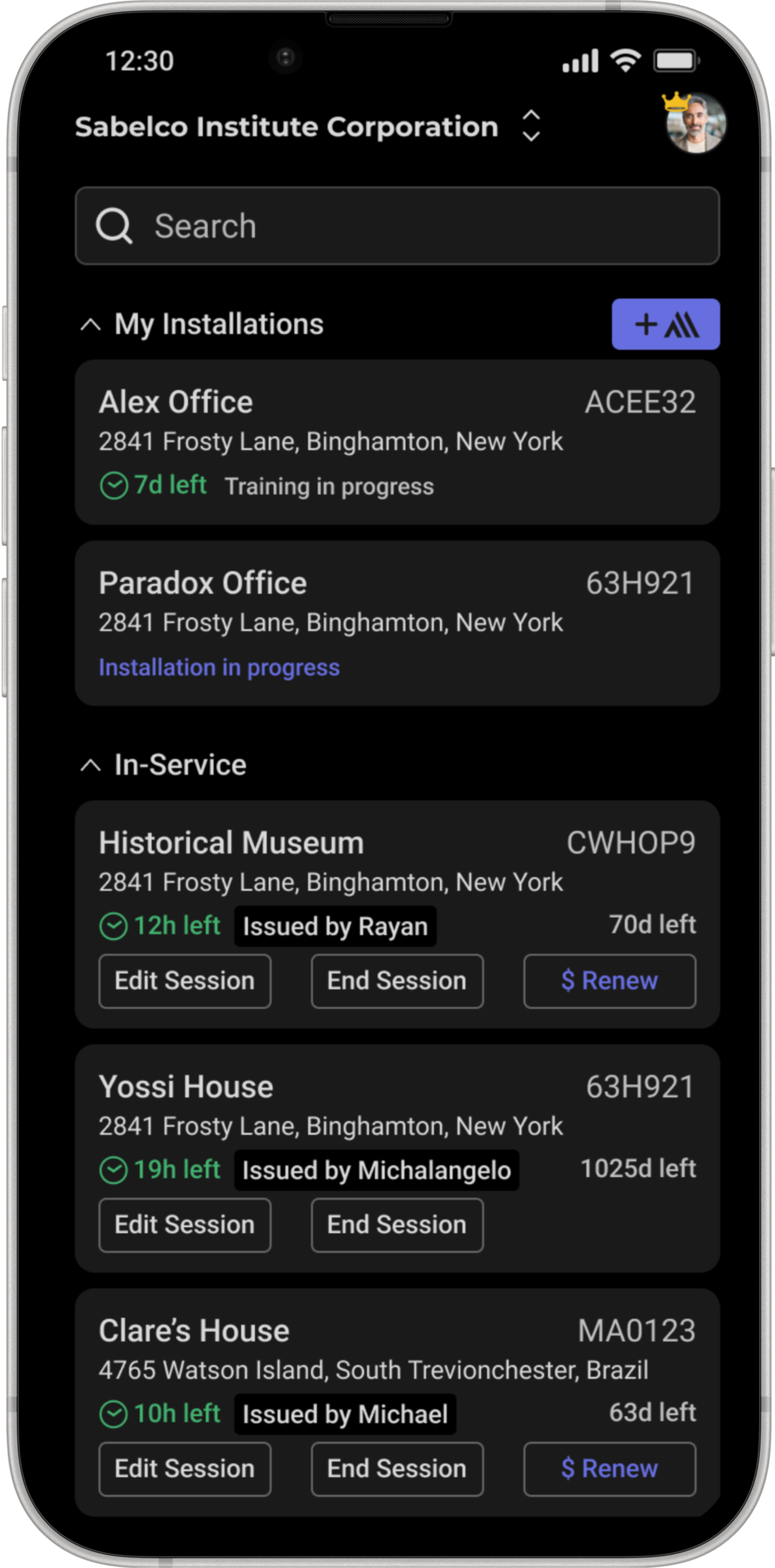
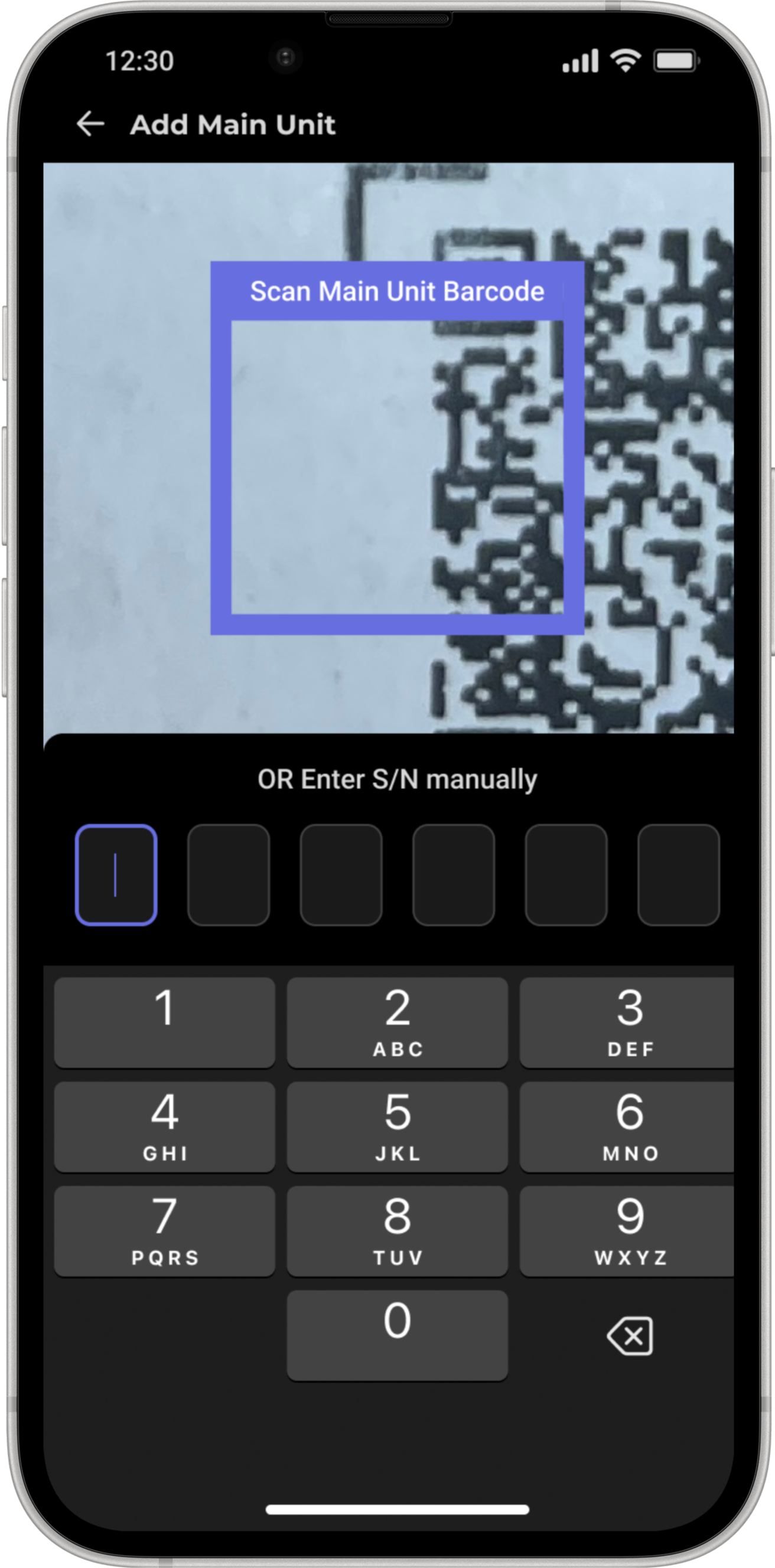
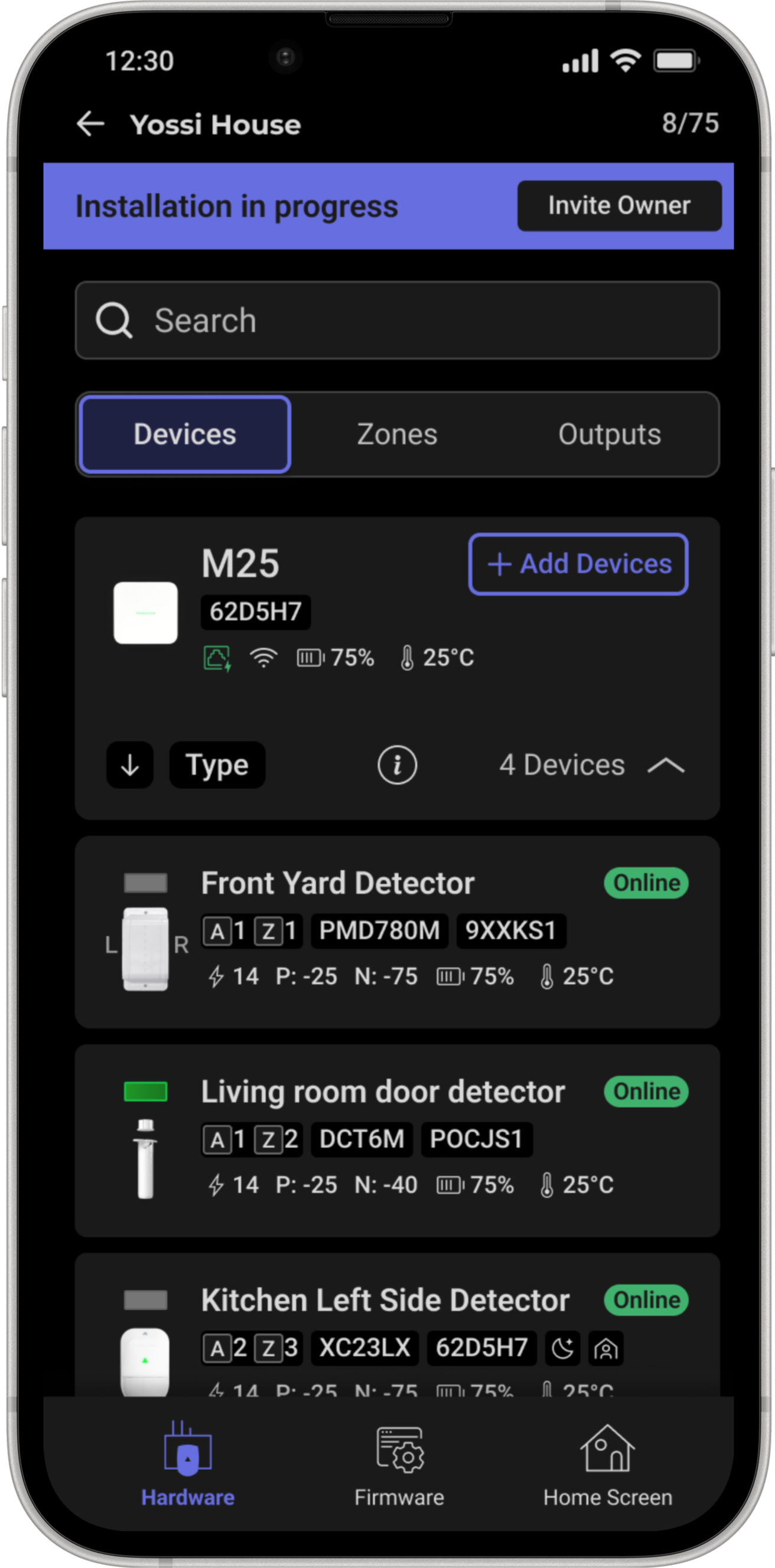
Designed for focus in the field.
This version introduced a darker interface that reduced visual noise and helped installers focus on system status, device configuration, and the next required action during setup.
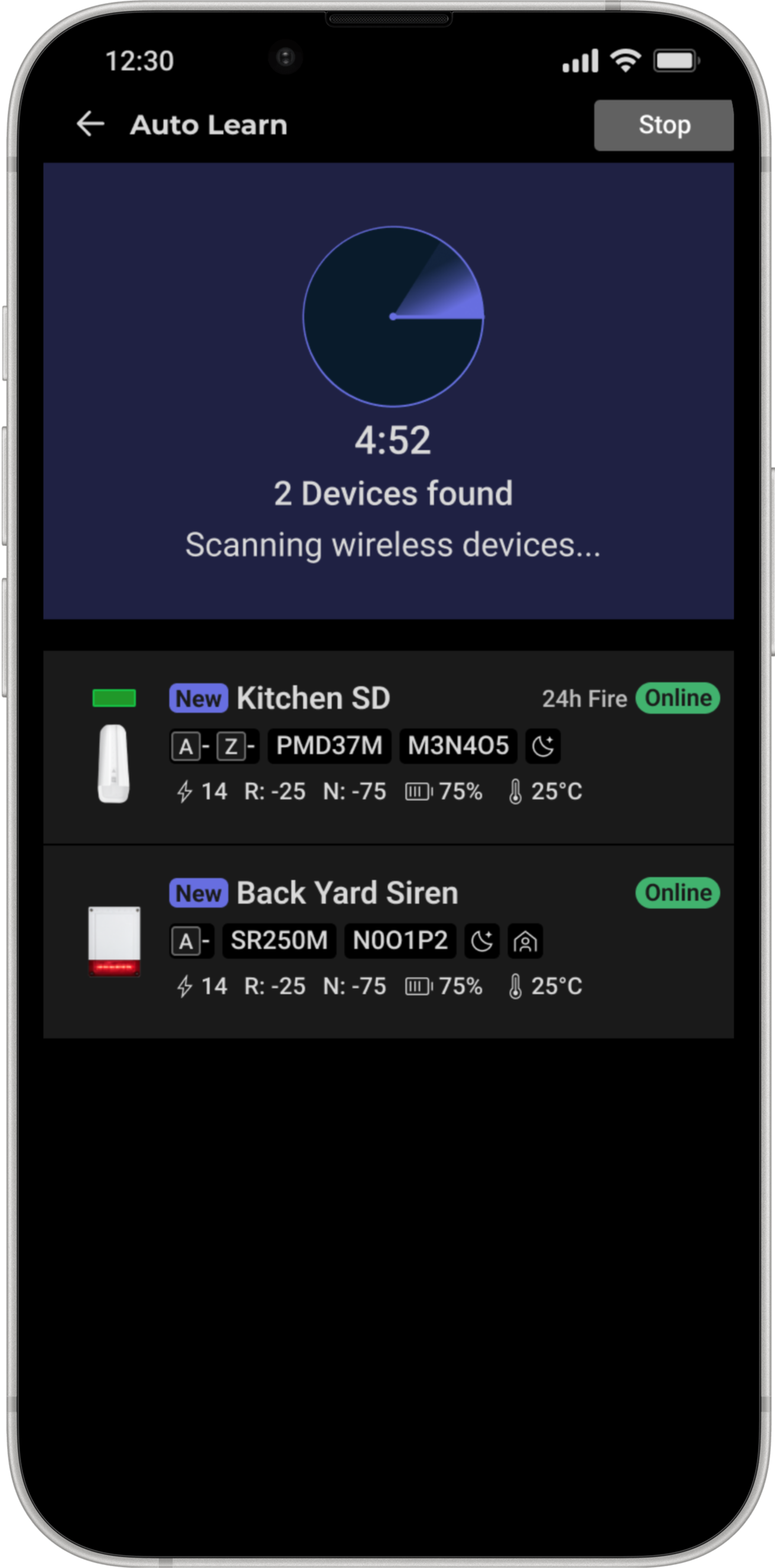
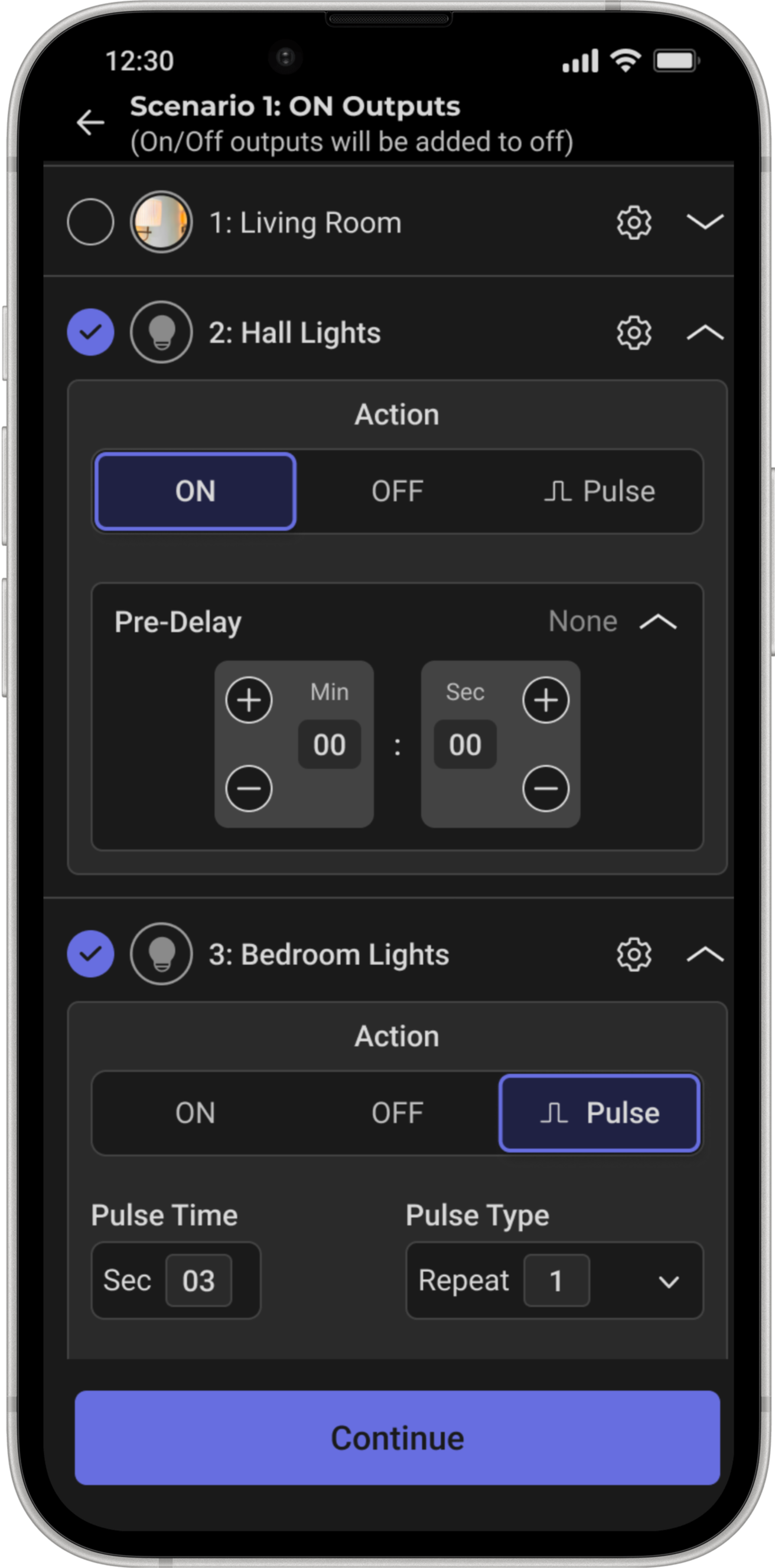
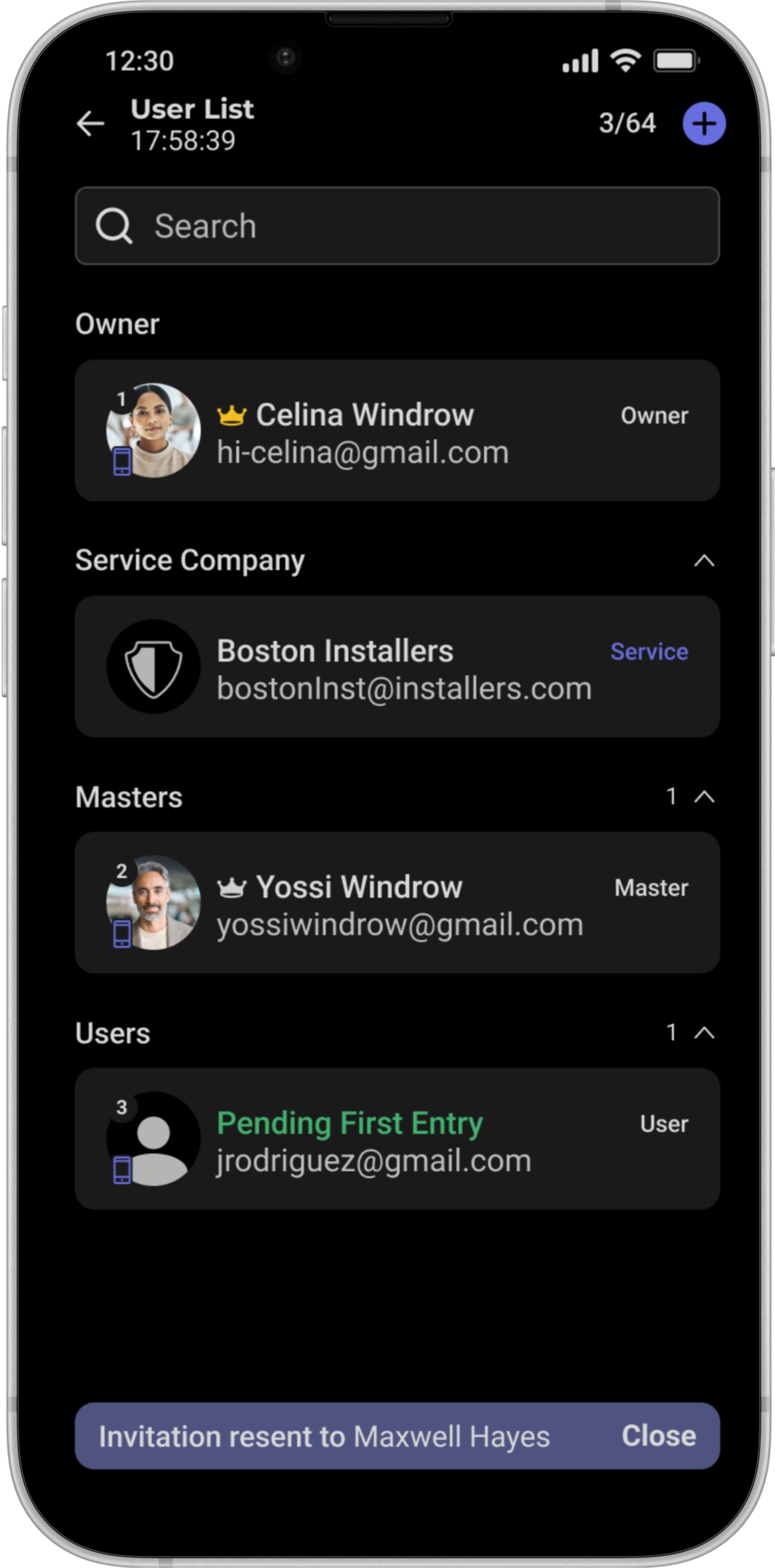
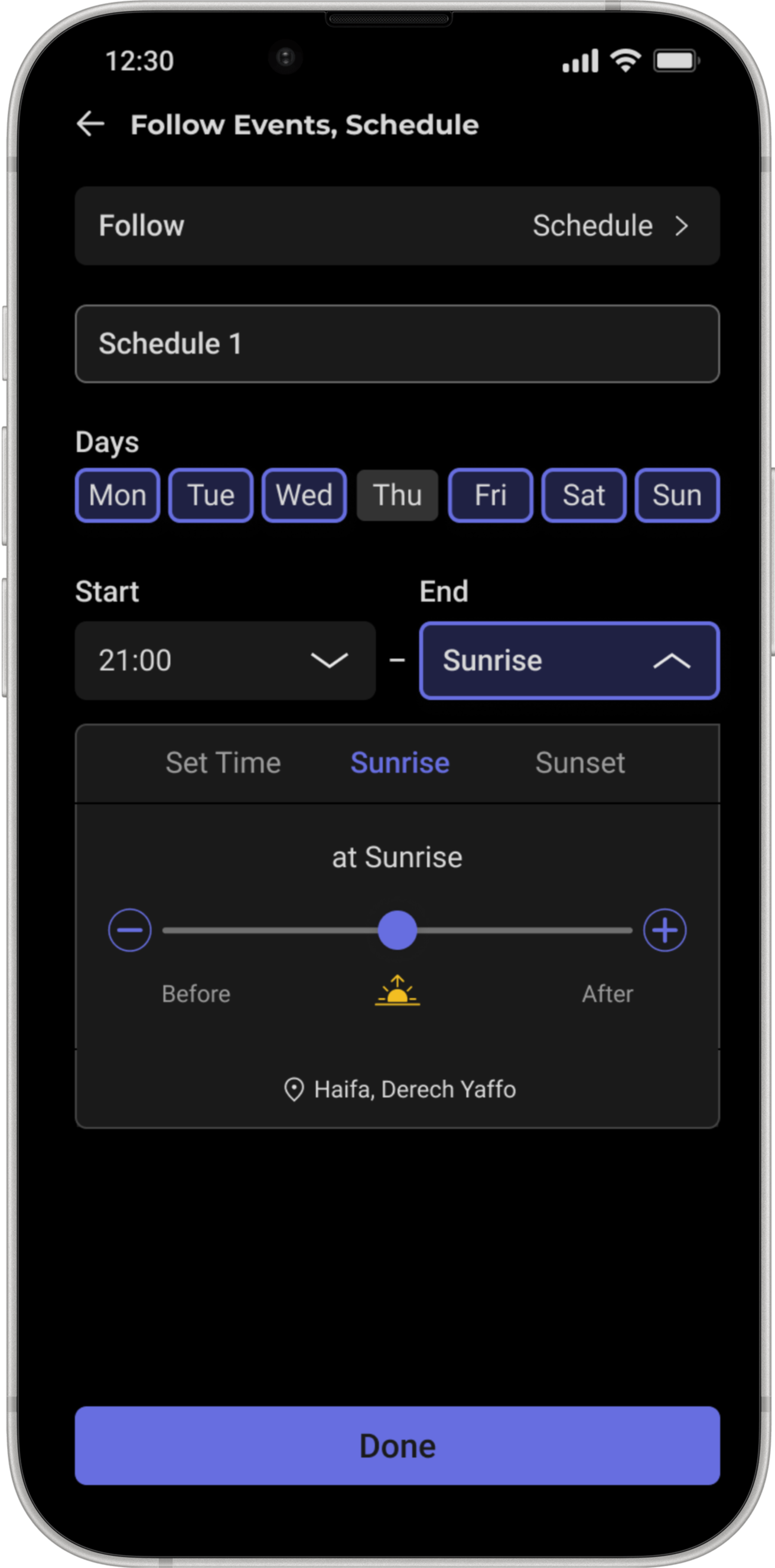
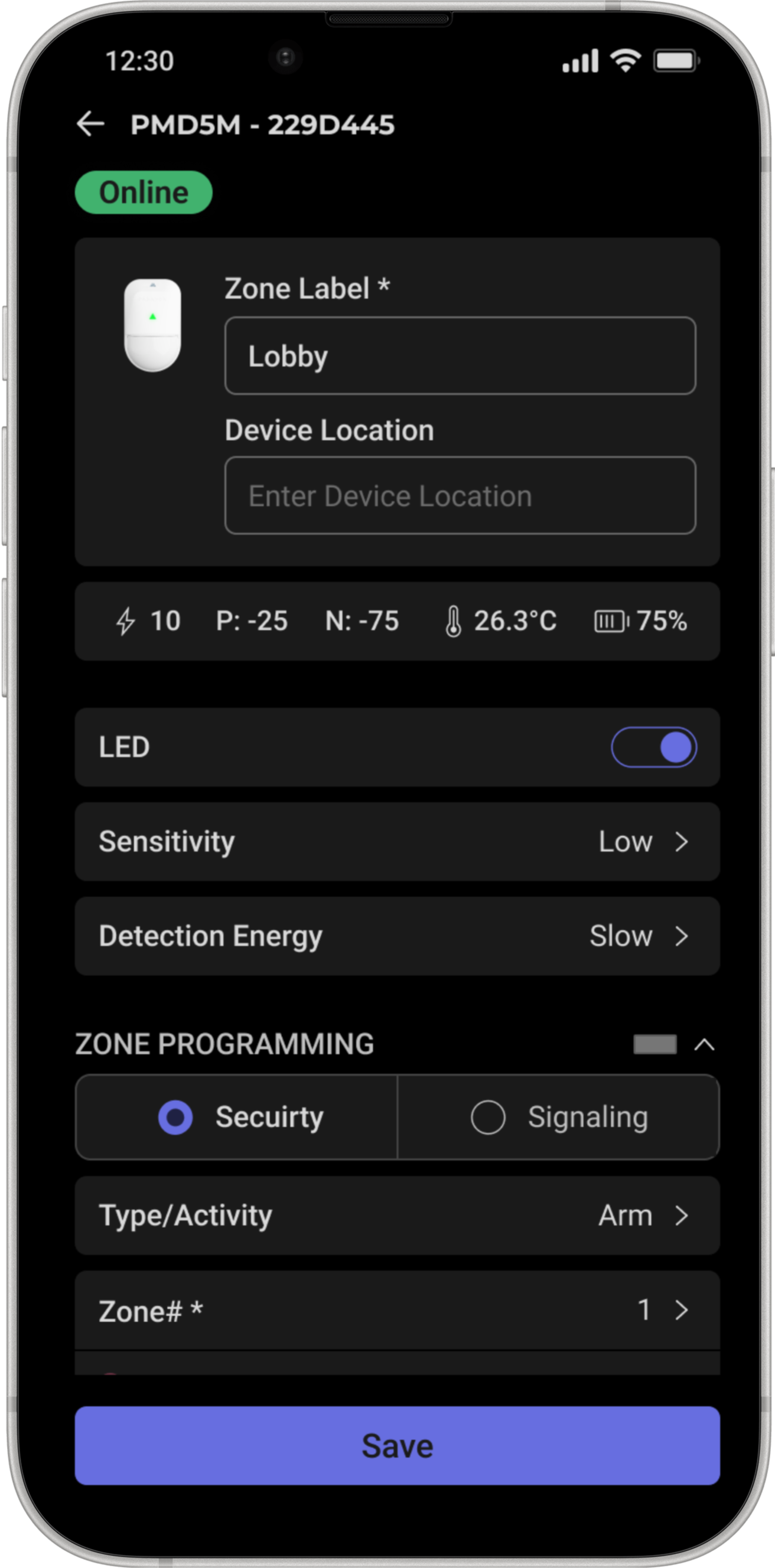
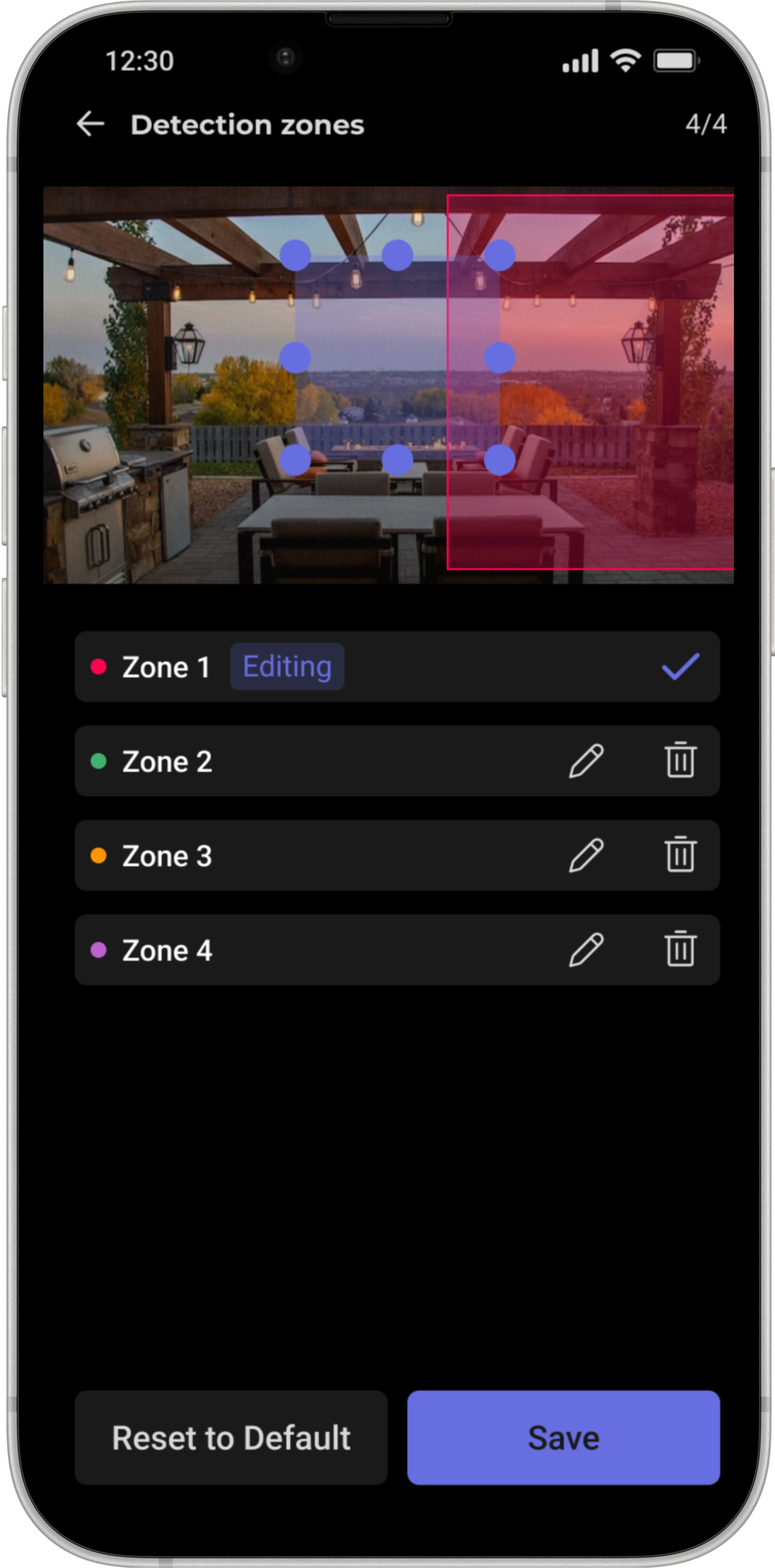
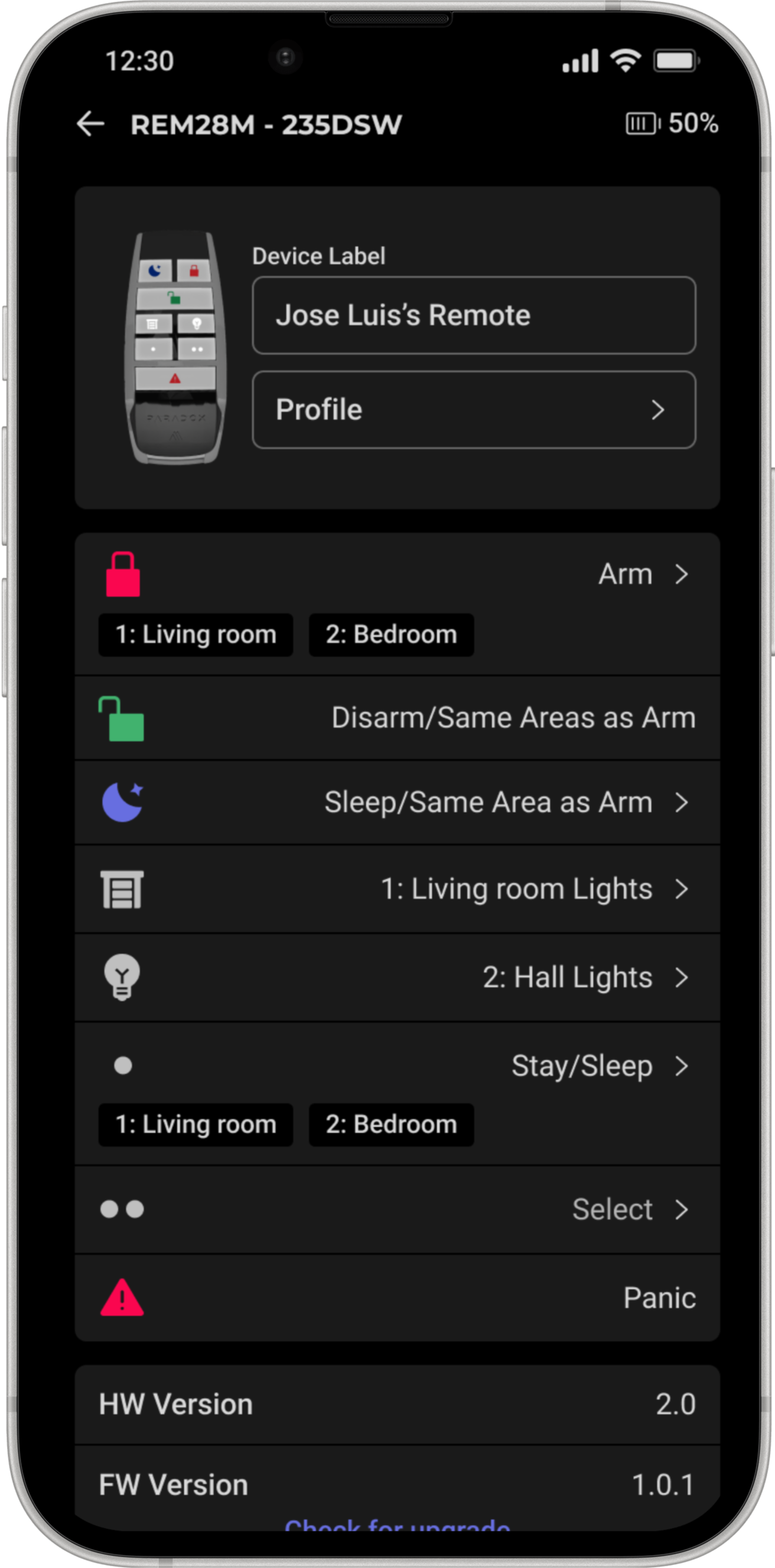
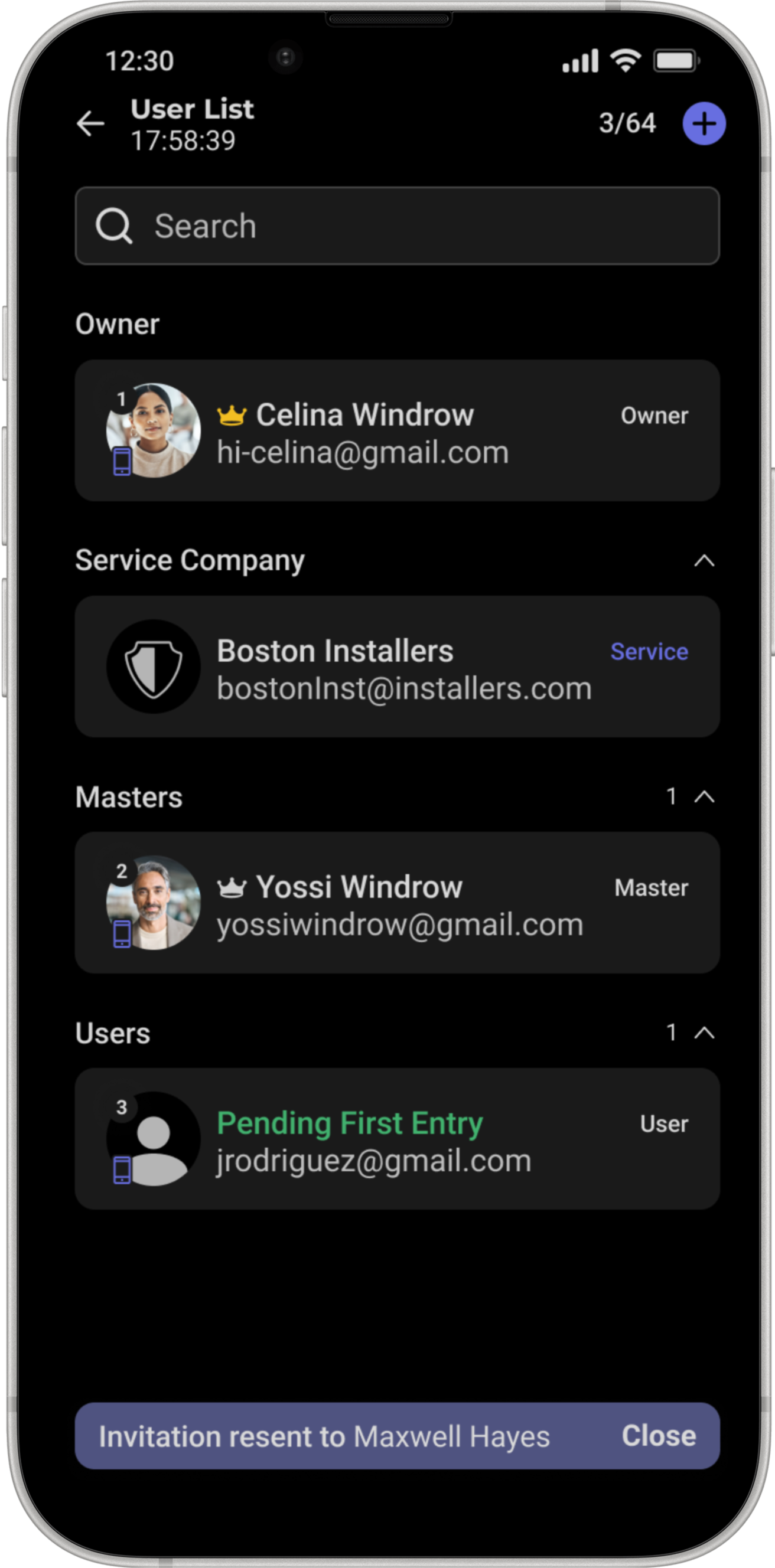
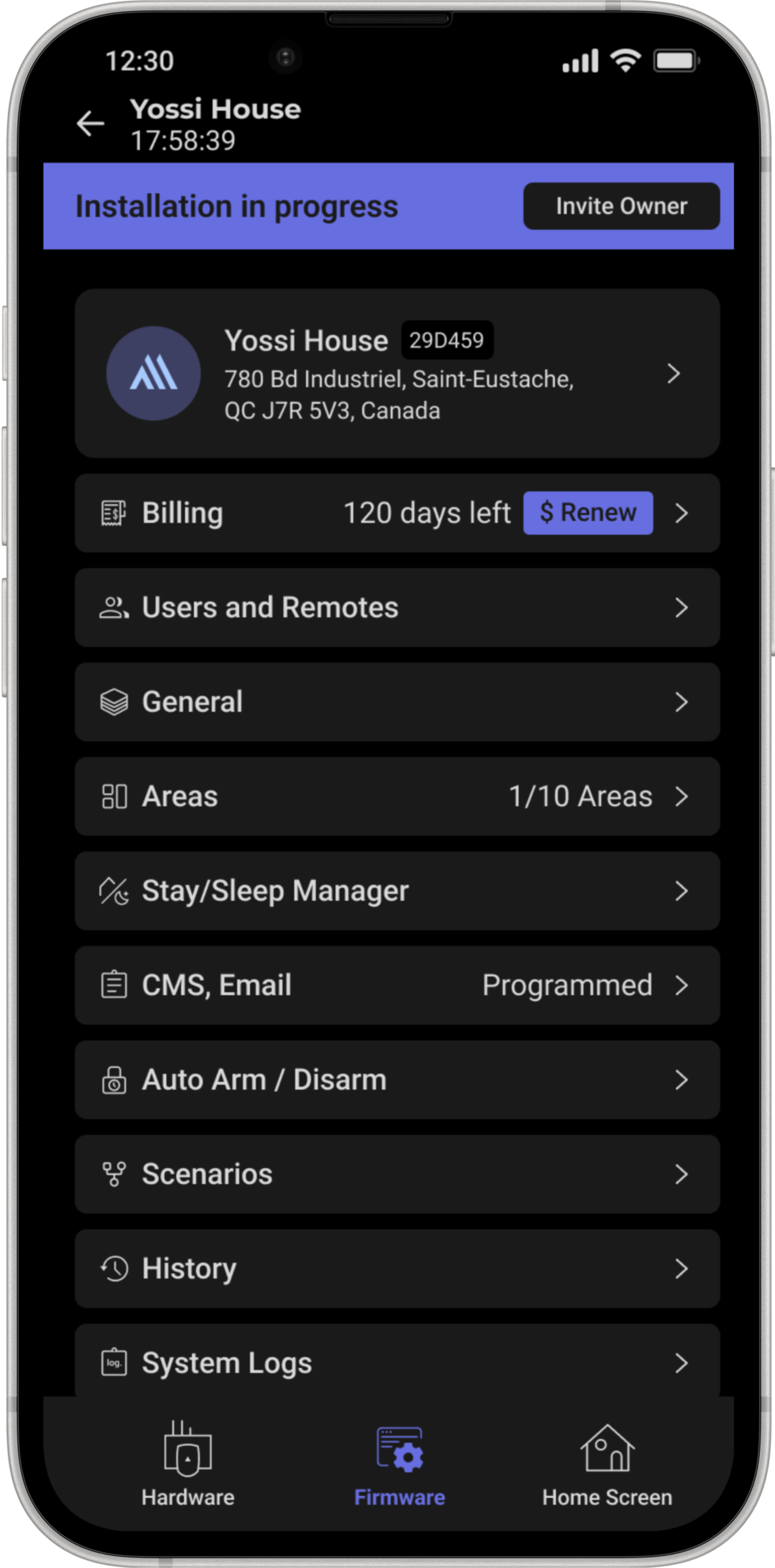
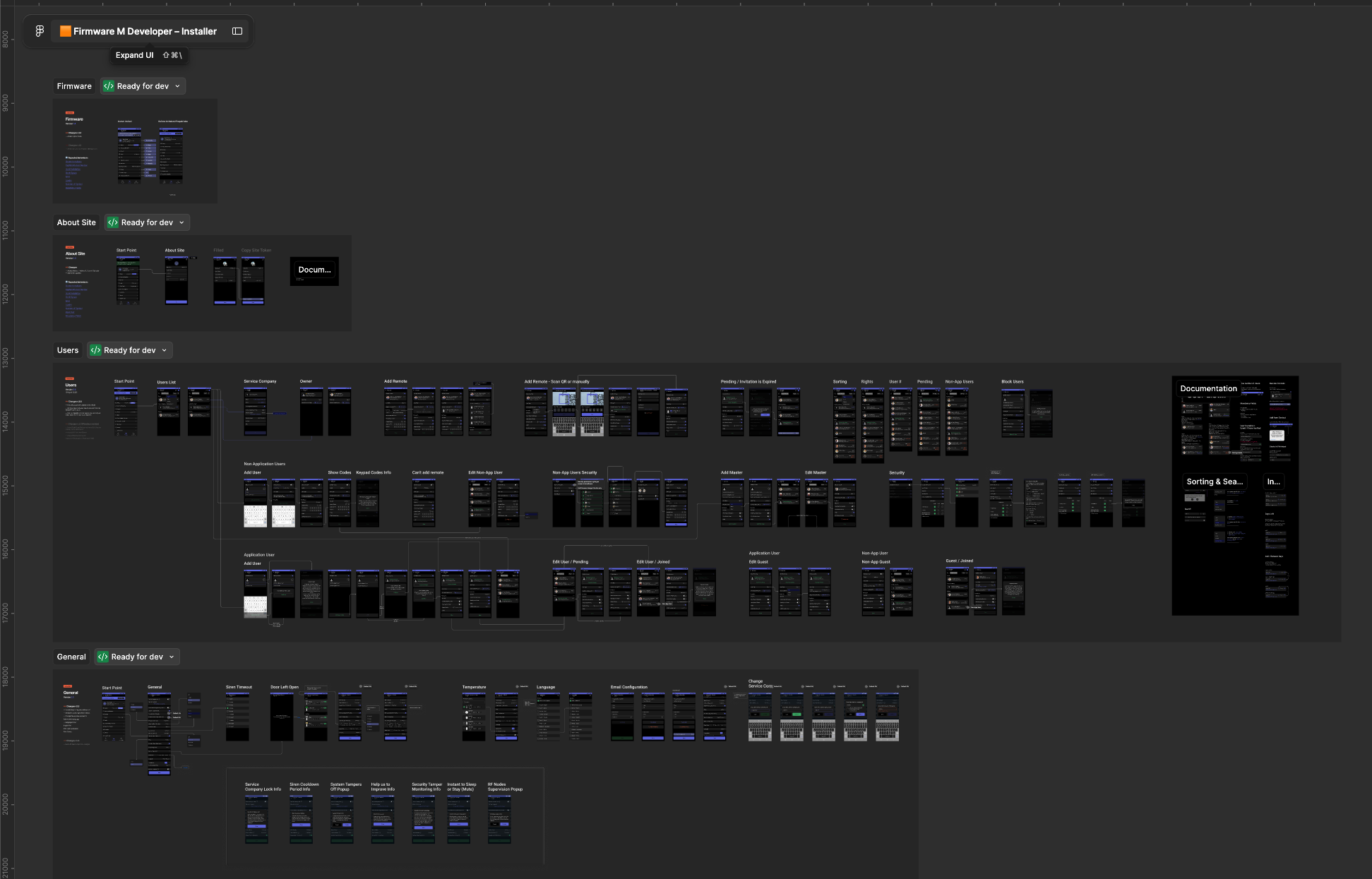
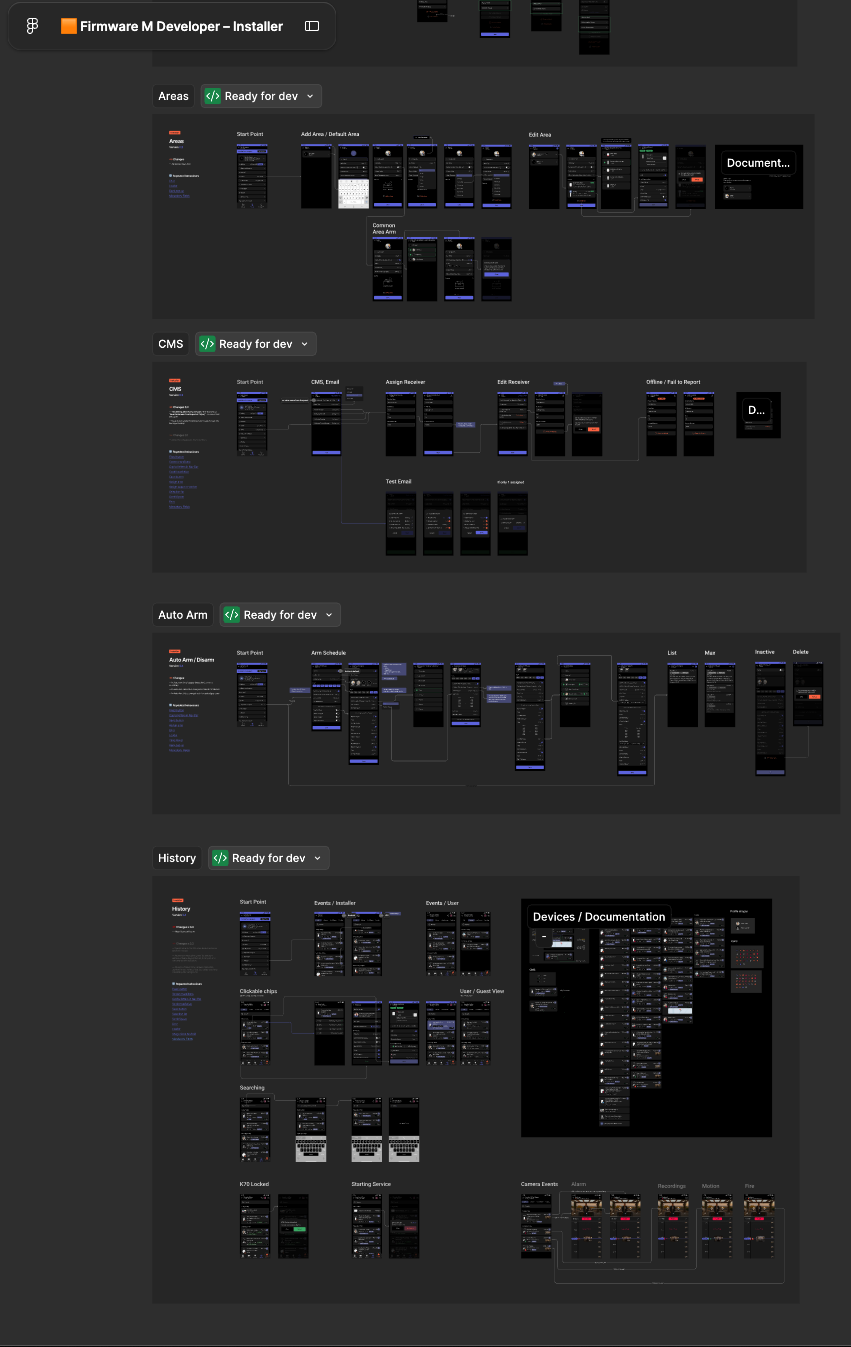
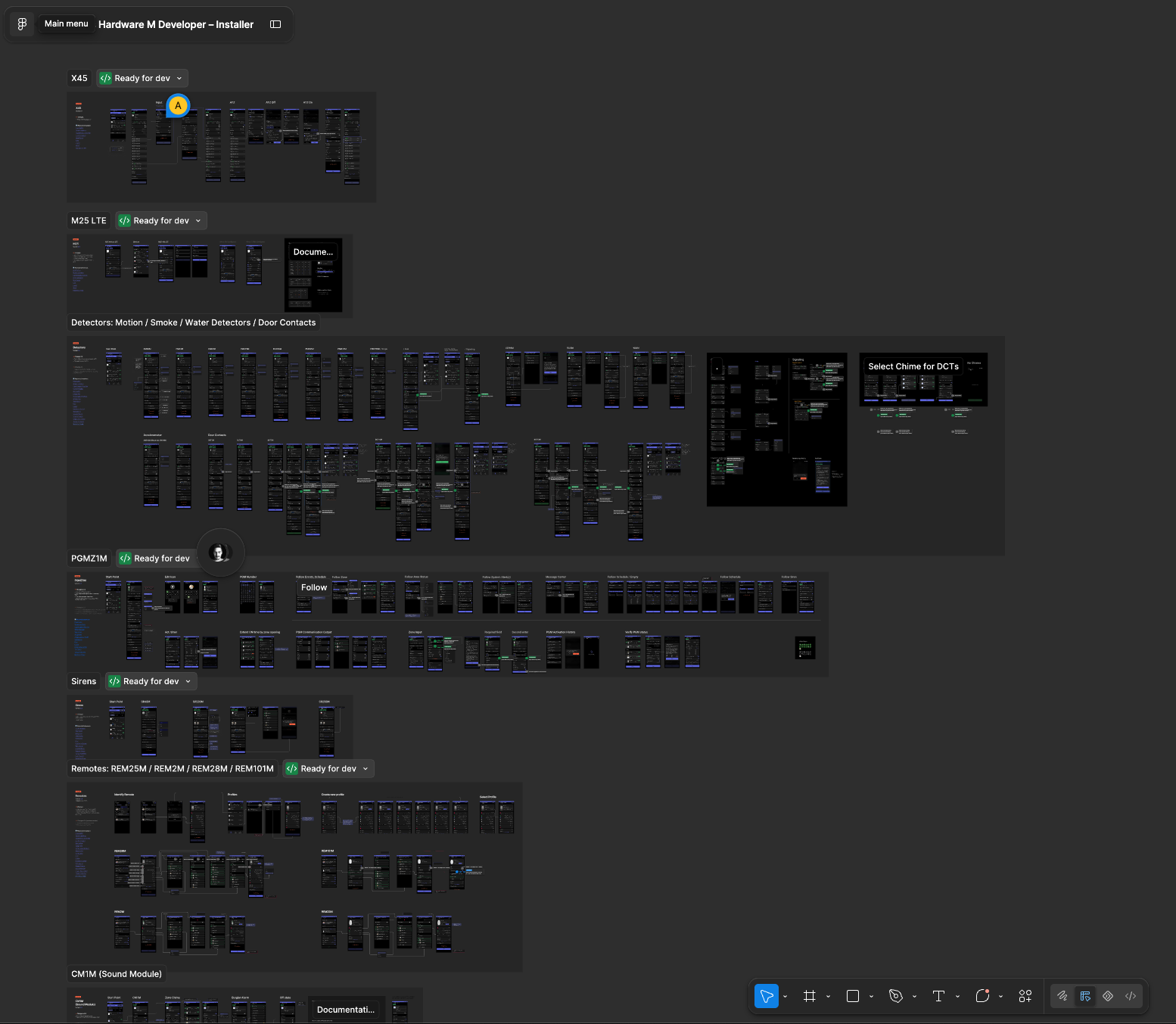
A full design system underpins the product: light and dark modes, an extensive component library, and shared variables and tokens that keep every screen consistent. It's a living system: the flows and foundations have kept evolving through to today (June 2026) as the product continues to grow.

Want to hear more?
Behind these screens are years of research, trade-offs, and decisions I couldn’t fit on one page. If you’d like to hear how it came together, I’m always happy to talk.
Contact via WhatsApp